5
The recSMART automatically and continuously records all your driving journeys. Just start your vehicle
to power and launch your recSMART. The recordings are saved in a loop on the pre-installed microSD
card. Once the card is full, the old recorded journeys are automatically replaced by the latest journey.
In case of impact or emergency brake the camera will automatically record and save the previous and
following 5 seconds on a secured file on the microSD card.
AUTOMATIC AND CONTINUOUS RECORDING
You can adjust camera settings such as picture and video resolutions, watermark editing, time and date
formats in the «Advanced settings» tab of the Road-Eyes App.
CAMERA SETTINGS
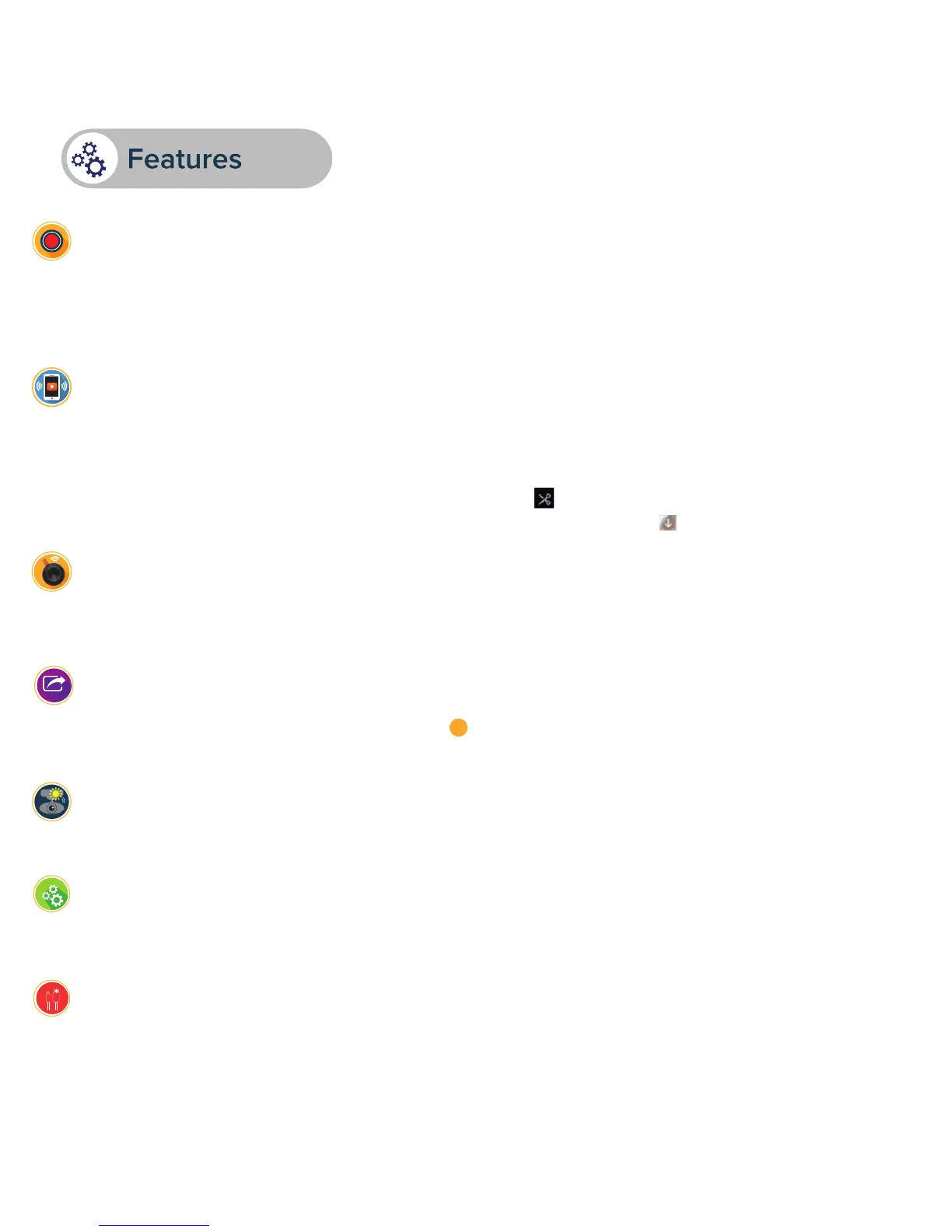
recSMART can easily be detached to take selfies or outside recordings for up to 5 minutes thanks to
its built-in battery.
OUTSIDE VEHICLE USAGE
Press the remote button to take a picture. You can choose the option of a simultaneous 10-second video
(5 seconds before and after pressing) in the settings of the Road-Eyes App.
The photos and videos will be pushed and automatically saved onto your smartphone.
TAKE PHOTOS & VIDEOS IN A CLICK WITH THE REMOTE BUTTON
You can share your pictures and videos with the Road-Eyes community, as well as your favorite social
networks by simply pressing the sharing icon from the App menu bar. Pictures and videos that have
been saved and downloaded can be found in the «Albums» tab of the Road-Eyes App.
SHARE YOUR DRIVING STORY ON YOUR SOCIAL NETWORKS
+
Live streaming: In the «Camera» tab of the App, click on «Live view» to watch the video of your
recSMART in real time.
Video playback: In the «Camera» tab of the App, click on «Playback» and move the cursor down to
review the footage sorted chronologically.
Download video clips: In «Playback» mode, click the icon to the right of the screen and select the part
you want to download by using the 2 cursors. After this is done, click the button and find the video in
the «Albums» tab of the Road-Eyes app.
LIVE STREAMING, PLAYBACK AND DOWNLOAD
This magnetic USB cable is primarily used to connect to the recSMART outside the vehicle. It allows you
to analyse and share the footages on the recSMART.
MAGNETIC USB CABLE


 To Next Page