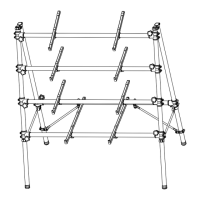
TM-X Arm (item no. 540250, 540252, 540254), TM-X Stand Mount (item no. 540271)
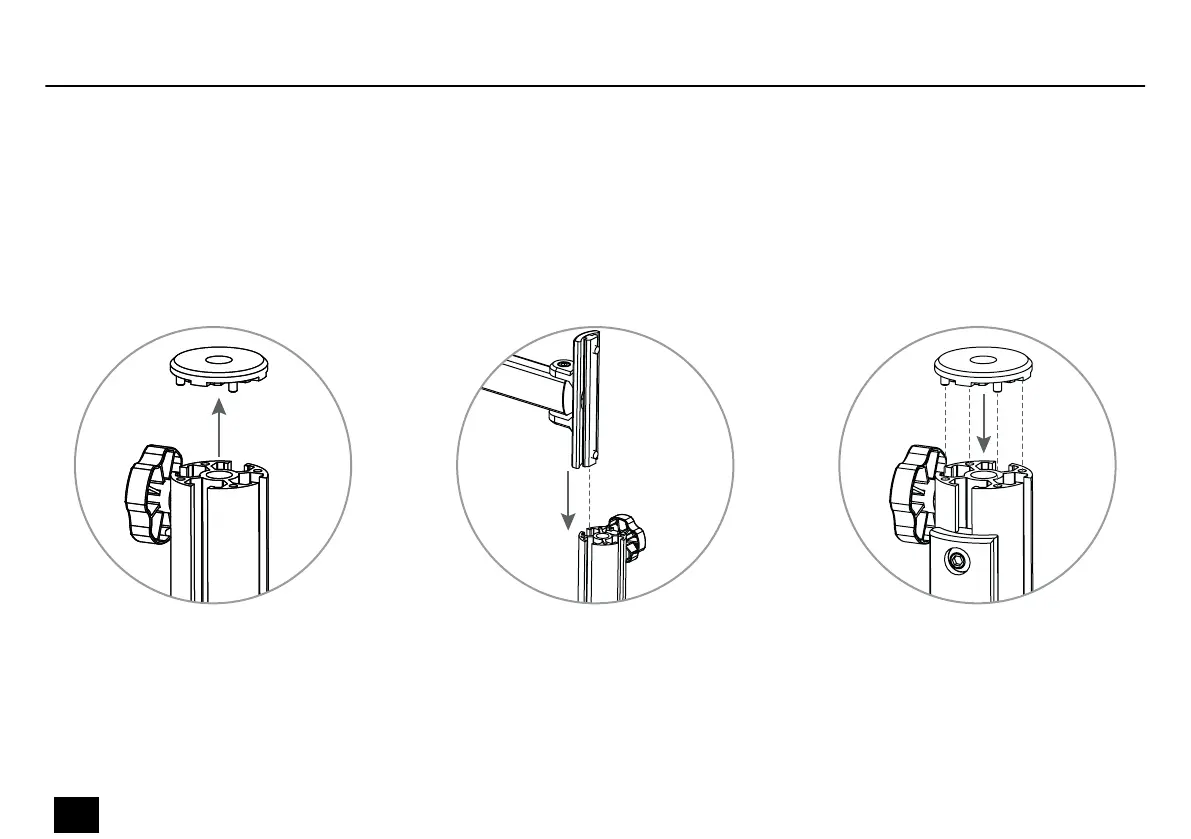
Open the cover of the desktop stand TM-X Pole Clamp (item no. 540259, 540264, 540262) or TM-X Pole Fixed
(item no. 540261, 540265, 540263).
Slide the arm or the holder from the top in the recess of the desktop stand. Adjust the desired arm height and tighten the Allen
screws using an Allen key.
Replace the cover on the desktop stand. Pay attention to the correct location of the positioning pins of the cover.
Installation
12
TM-X
Desktop Stand


 To Next Page