53
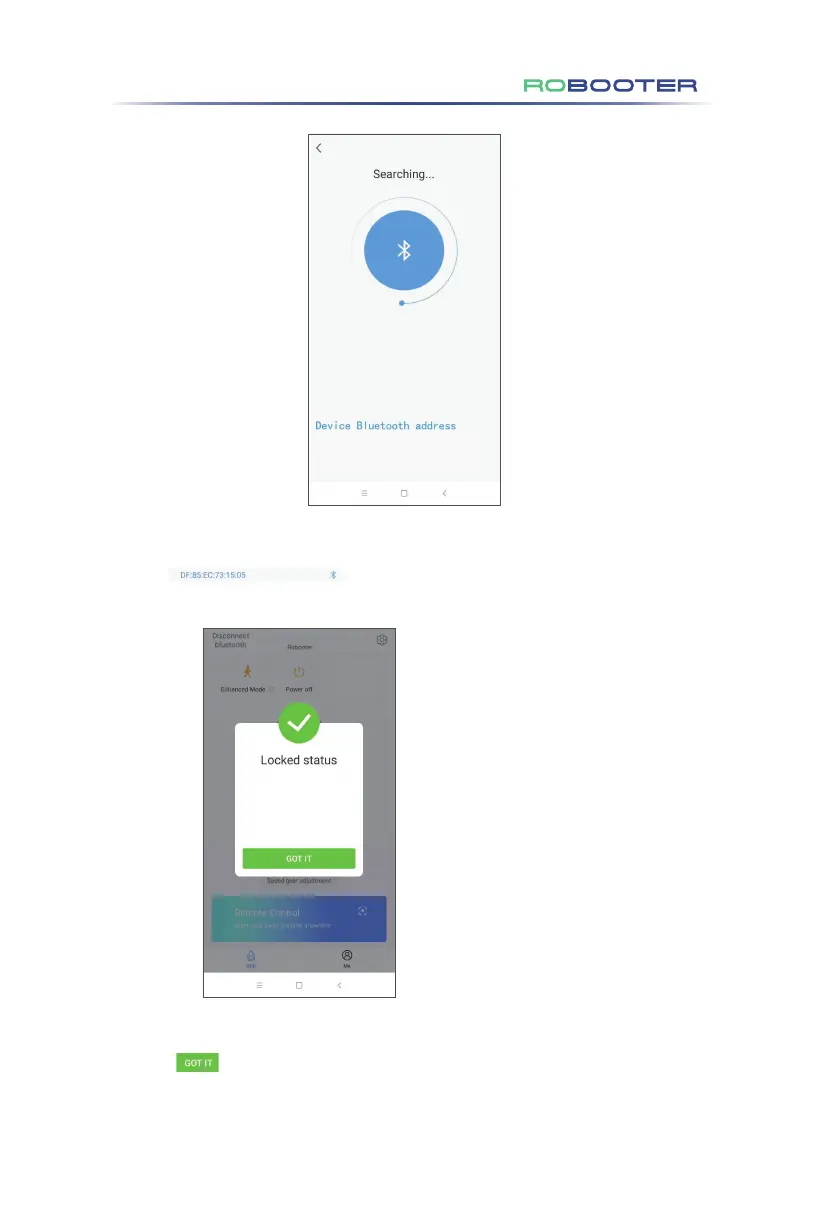
Once the above operation has been done mobile application start searching for the device.
Click to pair the mobile application and device.
The above screen indicates a successful connection.
Click in the above screen to access status screen of the electric
wheelchair.
Note:When the wheelchair is in lock mode,
display this interface. After turning on the
wheelchair, enter the lock mode automatically.
Only use the app after unlocking on the
wheelchair.
6. Application and IoT Function Operation Guide



 To Next Page