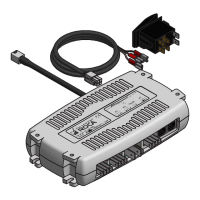
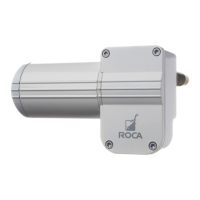
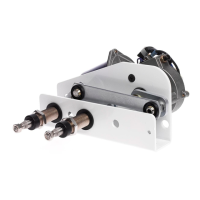
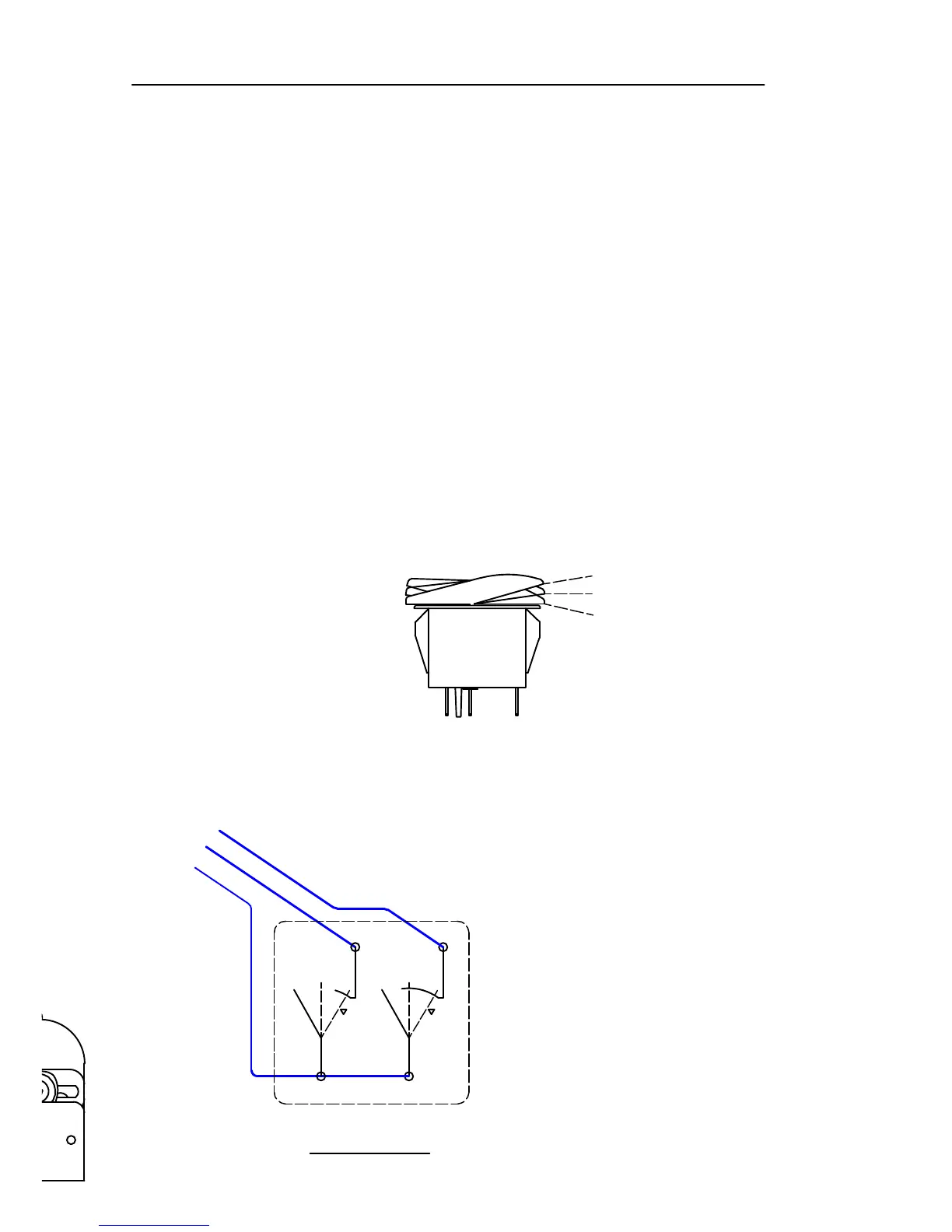
Switch circiut
Off - 2&3 - (2&3,5&6)
Function for switch
-One push to the on position will start all motors in synchronized interval.
-One more push to momentary will run all motors in slow speed synchronized.
-One more push will run all motors in fast speed synchronized.
-One more push starts from interval and so on.
-One long push from off to momentary will start one motor in interval (W1).
-One more push will run one motor in slow speed.
-One more push w
ill run one motor in fast speed.
-One more push starts one motor from interval and so on.
Washer:
When running, push switch to momentary more than one second and
washer will start.
Motor protection:
If motor runs too slow or stops, it will shut off if not reaching park position
within 5 sec. Push switch to off and then to on, and motor will start again.
Installation
(Keep the battery main switch off during installation).
1. Place the control unit to desired position.
2. Insert the screws into holes and tighten.
3. Connect the cable from switch.
4. Connect the remaining cables
according to diagram.
5. Turn on main switch and test all functions.


 To Next Page
 Loading...