EasyManua.ls Logo

Rockwell RG8166 - User Manual

Default Icon
16 pages
Print Icon
To Next Page IconTo Next Page
Loading...
RG8166 RG8166.9
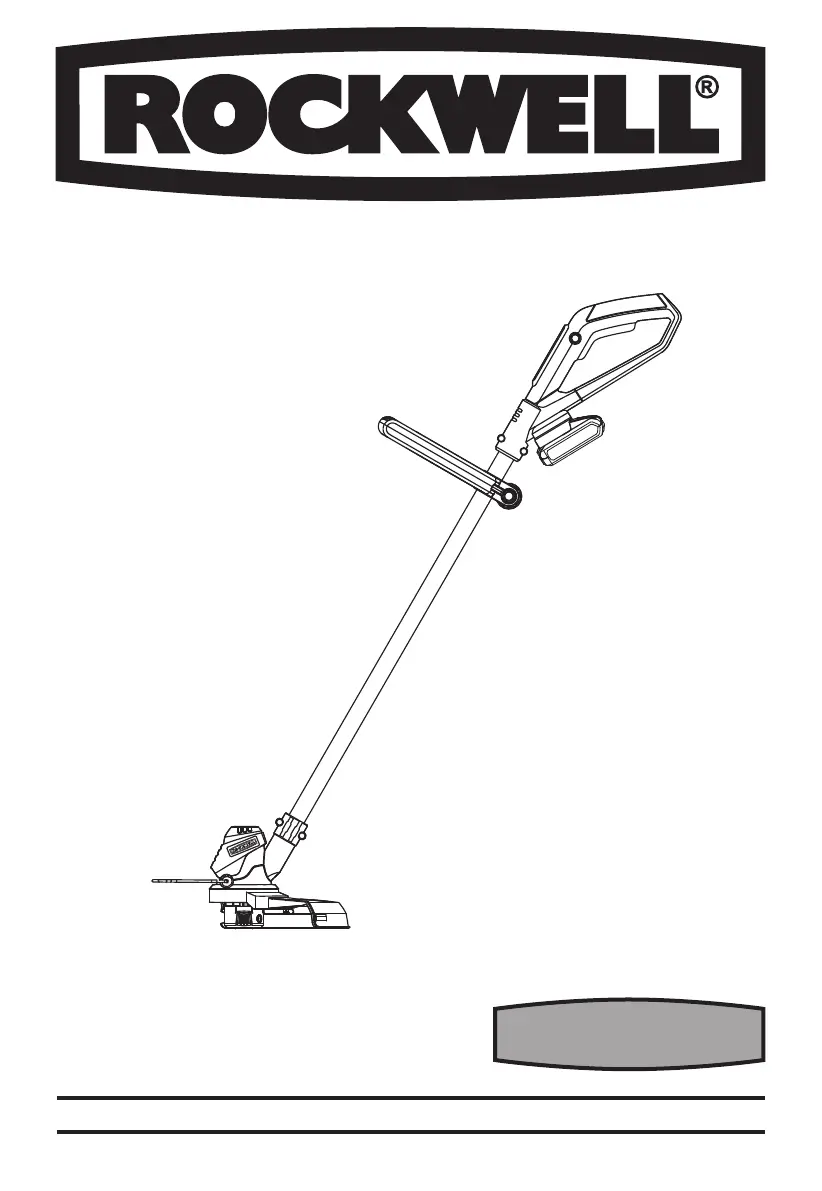
18V 250MM GRASS TRIMMER EN

Questions and Answers

  • J
    James HallAug 14, 2025
    What to do if my Rockwell RG8166 Trimmer doesn't cut?
    • L
      Lacey HickmanAug 14, 2025
      If your Rockwell Trimmer isn't cutting, several factors could be at play. The line might be broken, in which case you should replace it. Alternatively, the battery may not be fully charged, so try recharging it. Grass entangled around the cutting head can also prevent cutting, so remove any obstructions. If the motor is broken, you should contact a service agent.
  • M
    Melanie ReedAug 17, 2025
    Why is the cutting time per battery charge too low on my Rockwell RG8166?
    • R
      Roy GillAug 17, 2025
      If you're experiencing short cutting times with your Rockwell Trimmer, the battery may not have been used for a long period or only charged for a short term, so fully charge the battery. If the grass is too high, cut in stages. Another possibility is that the battery is defective, and you may need to replace it.
  • A
    Anita WebbAug 20, 2025
    What to do if my Rockwell RG8166 Trimmer fails to operate?
    • B
      Brian McdonaldAug 20, 2025
      If your Rockwell Trimmer isn't working, the battery might be discharged, so recharge it. The battery could also be too hot or cold; allow it to cool or warm. If the motor is broken or the internal wiring is damaged, contact a service agent.
  • D
    Darren AriasAug 25, 2025
    What to do if my Rockwell RG8166 runs intermittently?
    • C
      carolchristianAug 26, 2025
      If your Rockwell Trimmer is running intermittently, it could be due to a few reasons. The motor might be broken, in which case you should contact a service agent. Another possibility is that the battery is not fully charged, so try recharging it. Also, the On/Off switch could be defective, requiring you to contact a service agent.
  • D
    Deborah GreenAug 28, 2025
    What causes excessive vibrations or noise in my Rockwell Trimmer?
    • J
      Jeffery BerryAug 28, 2025
      Excessive vibrations or noise in your Rockwell Trimmer can stem from a couple of issues. The machine itself might be defective, in which case you should contact a service agent. Also, the line spool may not be wound well, so rewind the line.
  • A
    Anna FernandezSep 1, 2025
    What to do if the auto feed doesn't work on my Rockwell RG8166 Trimmer?
    • M
      Martha DixonSep 1, 2025
      If the auto feed on your Rockwell Trimmer isn't working, it could be due to a few reasons. The cutting line may not be wound well, so manually feed the line; if that doesn't work, remove the spool and rewind the line. The line could also be tangled, requiring you to remove the spool and rewind it. Finally, the line might be used up, so replace it with a new line spool.
  • A
    Andrew FrankSep 5, 2025
    What to do if the battery charge indicator doesn't light up on my Rockwell Trimmer?
    • H
      Henry ThomasSep 5, 2025
      If the battery charge indicator on your Rockwell Trimmer doesn't light up, the plug of the battery charger might not be plugged in properly, so insert the mains plug fully into the socket outlet. Alternatively, the socket outlet, mains cable, or battery charger could be defective, so check the mains voltage and have the battery charger checked by an authorized after-sales service agent.
  • J
    James AlexanderSep 9, 2025
    What to do if the battery charge indicator is continuously lighting but no charging is possible on my Rockwell RG8166 Trimmer?
    • W
      wallacefrankSep 9, 2025
      If the battery charge indicator is continuously lit but charging isn't possible on your Rockwell Trimmer, the battery might not be properly inserted, so ensure it's correctly placed in the battery charger. The battery contacts could also be contaminated; clean them by inserting and removing the battery several times, or replace the battery. If neither works, the battery itself may be defective, requiring replacement.

Summary

COMPONENT LIST

Auxiliary Handle

Component part 1: Auxiliary Handle.

Lock Off Button

Component part 2: Lock Off Button.

On;Off Switch

Component part 3: On/Off Switch.

Battery Pack

Component part 4: Battery Pack.

Safety Guard

Component part 5: Safety Guard.

Flower Guard

Component part 6: Flower Guard.

Line Cutter

Component part 7: Line Cutter.

Spool Cover

Component part 8: Spool Cover.

Cap Release Latch

Component part 9: Cap Release Latch.

Spool

Component part 10: Spool.

Trimmer Head

Component part 11: Trimmer Head.

Eyelet

Component part 12: Eyelet.

Main Handle

Component part 13: Main Handle.

Line Feed Button

Component part 14: Line Feed Button.

ACCESSORIES

Charger (RW9897)

Accessory: Charger (RW9897).

Battery pack (RW9894)

Accessory: Battery pack (RW9894).

Safety guard

Accessory: Safety guard.

Auxiliary handle

Accessory: Auxiliary handle.

Spacer guard

Accessory: Spacer guard.

GENERAL POWER TOOL SAFETY WARNINGS

1. WORK AREA SAFETY

Ensuring a safe and distraction-free work environment is crucial for preventing accidents.

2. ELECTRICAL SAFETY

Guidelines for safe use of electrical components and preventing electric shock.

3. PERSONAL SAFETY

Personal protective measures and safe operating practices to prevent injury.

4. POWER TOOL USE AND CARE

Proper techniques for using and maintaining the power tool to ensure safety.

5. Battery tool use and care

Safe practices for charging, using, and storing battery packs.

6. SERVICE

Guidelines for professional servicing and maintenance of the power tool.

4 Maintenance and storage

Procedures for maintaining and storing the power tool safely.

ADDITIONAL SAFETY REQUIREMENTS FOR YOUR LAWN TRIMMER

Intended Use

Specifies the intended applications and limitations for the grass trimmer.

SAFE OPERATING PRACTICES

Key practices to follow for safe operation and maintenance of the trimmer.

1 Training

Emphasizes the importance of reading instructions and understanding operation.

2 Preparation

Steps to take before operating the machine, including safety gear.

3 Operation

Instructions on how to safely operate the grass trimmer.

SAFETY WARNINGS FOR BATTERY PACK

Battery Pack Safety Precautions

Essential safety guidelines for handling, charging, and storing battery packs.

ADDITIONAL SAFETY INSTRUCTIONS FOR YOUR BATTERY CHARGER

Charging Safety

Specific safety guidelines for using the battery charger correctly and safely.

TECHNICAL DATA

Charger Input

Input voltage and frequency for the battery charger.

Charger Output

Output voltage and current of the battery charger.

Charging time

Time required to fully charge the battery pack.

Battery capacity

Capacity of the Li-ion battery pack.

Voltage

Operating voltage of the grass trimmer.

No Load Speed

Maximum speed of the trimmer without load.

Cutting Diameter

Maximum width the trimmer can cut.

Line Diameter

Recommended diameter for the trimmer line.

Machine Weight

Weight of the grass trimmer.

OPERATION INSTRUCTIONS

1. BEFORE USING YOUR CORDLESS GRASS TRIMMER

Initial steps and important considerations before first use.

2. CHARGER (RW9897) CHARGING THE BATTERY PACK

Detailed instructions for charging the battery pack using the specified charger.

CHARGING PROCEDURE

Step-by-step guide on how to charge the battery pack.

3. TO REMOVE OR INSTALL BATTERY PACK

Instructions for safely removing and installing the battery pack.

4. SAFETY ON;OFF SWITCH

Explanation of the safety switch function and operation.

OPERATION

1. Flower Guard

Instructions on how to use the flower guard for protection.

2. Trimming

Guidance on proper technique for cutting grass and edges.

3. AUTOMATIC LINE FEED SYSTEM

Explanation of the automatic line feed mechanism and its operation.

4. TO MANUALLY FEED THE LINE

Procedure for manually feeding the trimmer line when needed.

5. To remove the cap

Instructions on how to remove and refit the spool cap.

6. To change the spool

Steps for replacing the spool with a new one.

7. To Manually Wind line

Guide on how to manually wind the trimmer line onto the spool.

STORING YOUR GRASS TRIMMER

MAINTENANCE

TROUBLESHOOTING

Trimmer fails to operate

Diagnosing and resolving issues when the trimmer does not start.

Trimmer runs intermittently

Troubleshooting intermittent operation of the trimmer.

Excessive vibrations;noise

Identifying and fixing causes of unusual vibrations or noise.

Cutting time per battery charge too low

Addressing issues related to short battery life.

Machine does not cut

Resolving problems where the trimmer is not cutting effectively.

Continuous lighting of the battery charge indicator

Troubleshooting continuous indicator lights on the battery charger.

No charging procedure possible

Steps to take when the battery cannot be charged.

Battery charge indicator does not light up

Diagnosing why the battery charge indicator is not functioning.

Auto feed does not work

Resolving issues with the automatic line feed system.

Rockwell RG8166 Specifications

General IconGeneral
BrandRockwell
ModelRG8166
CategoryTrimmer
LanguageEnglish