61
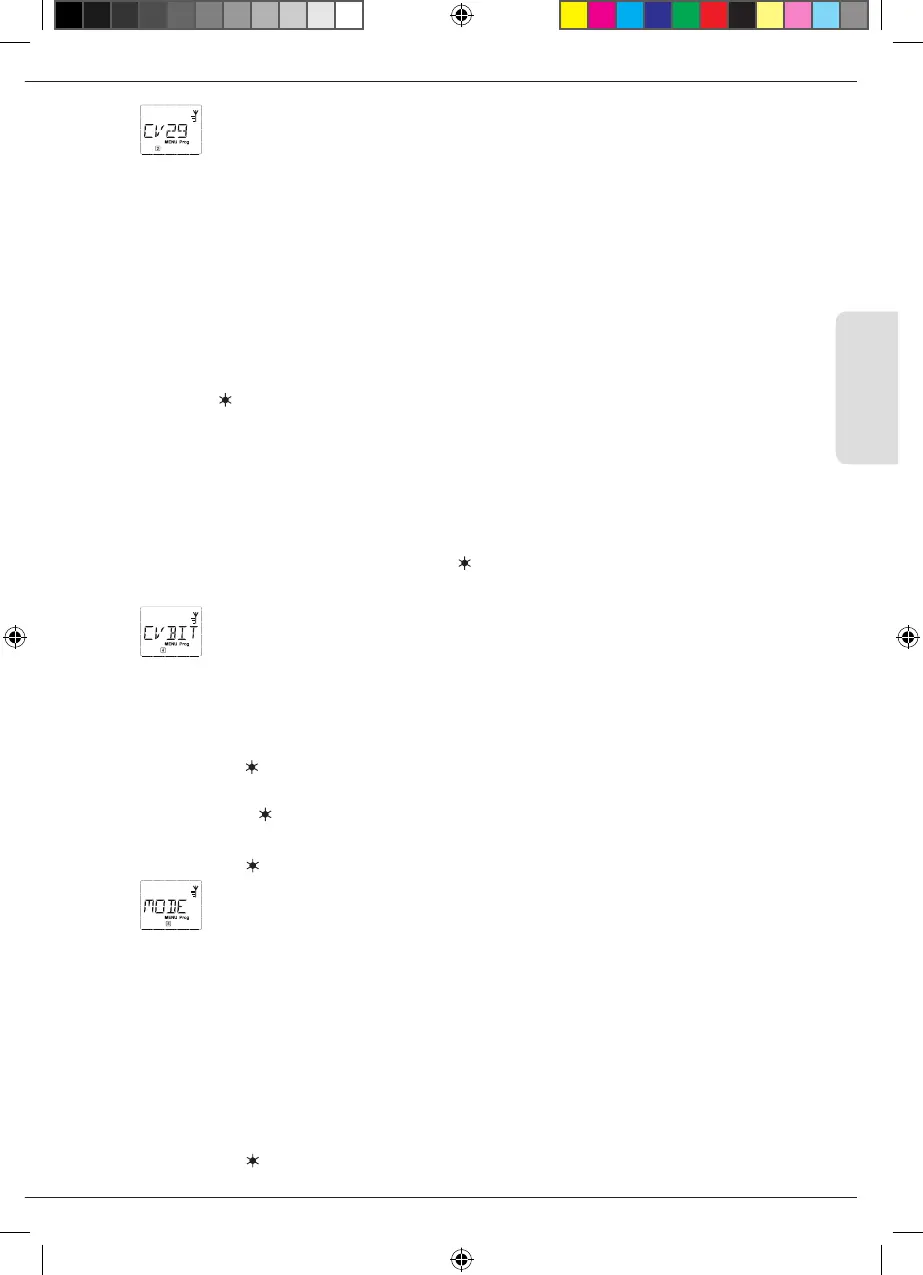
2.3 “CV29“
The CV 29 is one of the most complex CVs used to store basic decoder information affecting the ope-
ration of the locomotive. Numerous functions stored in the individual bits of the CV can be enabled
or disabled.
We recommend this conguration option only to advanced users familiar with the comprehensive
possibilities of a decoder. Before programming, please check whether the decoder even supports
bitwise programming methods. Please consult the decoder manual for details about the function and
conguration options of the CV 29.
To simplify programming, ROCO has labeled the individual conguration options.
▪
The rst image of the display depicts “C 29” and then immediately switches to the rst congura-
tion option “REVERSE DIRECTION” (bit 0). Press the Loco/Turnout-key to set (enable) this bit. The
asterisk “ ” appears in the display once the bit has been set.
▪
Use the arrow keys to select the next options:
▪
“28 SPEED STEPS” (bit 1),
▪
“ANALOG DRIVING” (bit 2),
▪
NMRA–BIDI” (bit 3),
▪
“SPEED TABLE” (bit 4),
▪
“LONG ADDRESS” (bit 5).
▪
Once all bits are set as desired, conrm with OK-key. The display briey depicts “C 29” and then
you are returned to the “CV 29” start level.
2.4
“CVBIT”
This menu item is intended for CVs with individual bits that can be congured, e.g. the CV 49. Please
consult the decoder manual for details about the function and conguration options of these CVs.
▪
The rst image of the display depicts a “C” and a ashing insertion point. Now enter the number
of the desired CV using the function keys.
▪
Conrm with OK-key.
The rst congurable bit is now displayed (“BIT 0”). Press the Loco/Turnout-key to set (enable) this
bit. The asterisk “
” appears in the display once the bit has been set.
▪
Use the arrow keys to select the next bit.
▪
Conrm with OK-key once you are done with all bit. You return to the “CVBIT” start level.
2.5
“MODE“
The WLANmaus is set to “CV programming mode” at the factory. However, if you wish to program
locomotives without using a separate programming track, set the WLANmaus to POM mode (“pro-
gramming on the main track”).In this case, locomotive address CV 1 can also be programmed when
using the WLANmaus. However, the corresponding locomotive must be selected while in locomotive
address mode.
Note: Reading out the decoder data is not possible in POM mode!
A decoder reset may need to be performed. Please read “Tips, Notes, and Shortcuts” on page 67 for
additional information.
Use one of the two arrow keys to select the desired programming mode.
▪
Conrm with OK-key. You are returned to the “MODE” start level.
Menus
8010813920.indd 61 13.07.2017 10:27:49


 To Next Page
 Loading...
