EasyManua.ls Logo

Roda II SERIES - Page 40

Default Icon
49 pages
Print Icon
To Next Page IconTo Next Page
To Previous Page IconTo Previous Page
Loading...
BIOS Setup
31
Power Management Functions:
If STD is set, you should allocate a disk space to store the memory data. A utility
ZVHDD.EXE performs FAT file allocation.
Run ZVHDD.EXE under DOS prompt.
Following is a sample command:
ZVHDD /C /FILE /M:136
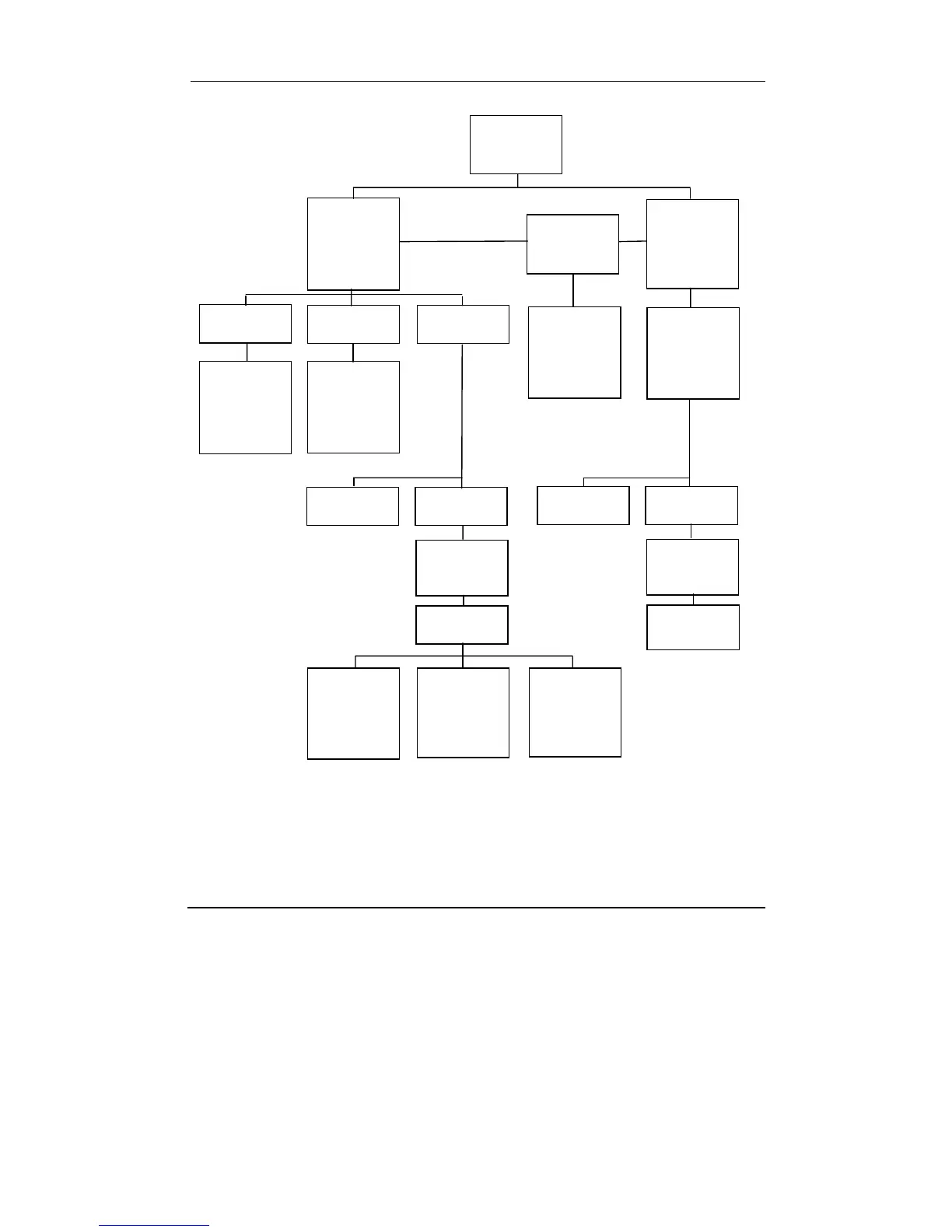
Power
Management
(DOS,
Windows NT,
or others)
User Define Min Saving
SpeedStep
Support
Max Saving
When disable
d
CPU always
run at battery
mode speed
(low speed)
Suspend
Fixed shortest
timeout for
Doze,
Standby,
Suspend, HD
D
Fixed longest
timeout for
Doze,
Standby,
Suspend, HD
D
Doze
(CPU halt)
Standby
(CPU halt,
LCD OFF)
HDD Power
dow
n
POS
(CPU halt, PC
I
clock stop,
LCD OFF)
STD
(Suspend to
disk then
shutdown
s
y
ste
m
)
Auto
(Automaticall
y
switch from
POS to STD
after timeou
t
)
BIOS Power
Management
Setup
ACPI/APM
(Windows 98,
2000, ME, or
other OS with
ACPI/APM
Windows (OS)
takes control
of power
management
Doze
(CPU halt)
Standby
(CPU halt,
LCD OFF)
HDD Power
dow
n
Suspend,
Hibernate