10
Setup up as new
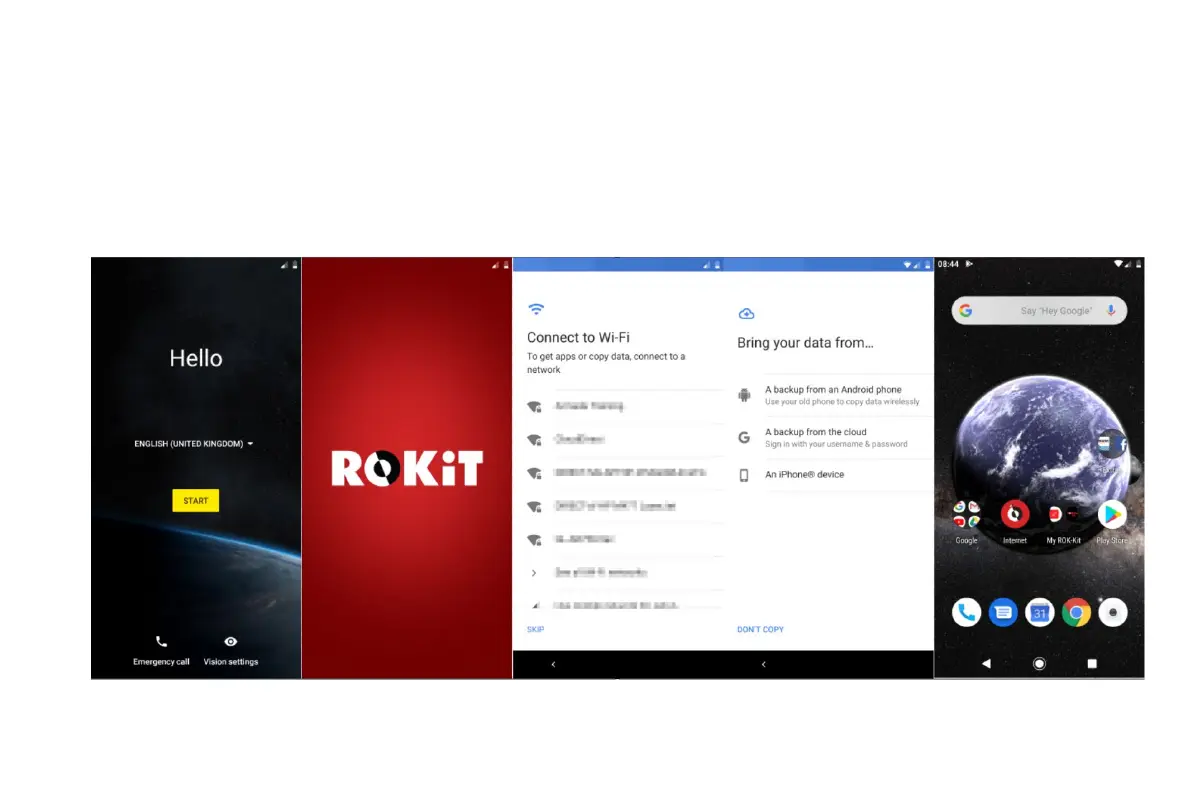
Upon booting up, proceed through the Google wizard to setup your Google account & sync, setup Face Unlock and more. The IO Pro 3D Setup
Wizard gives you the opportunity to personalize your IO PRO 3D, allowing you to craft a smartphone experience that works just the way you
want it to. You can customize the software buttons, gestures and other features as you see fit. Easily swipe down on the home screen to access
the Notifications panel and personalize your Quick Settings tray with your favorite items.



 To Next Page