111
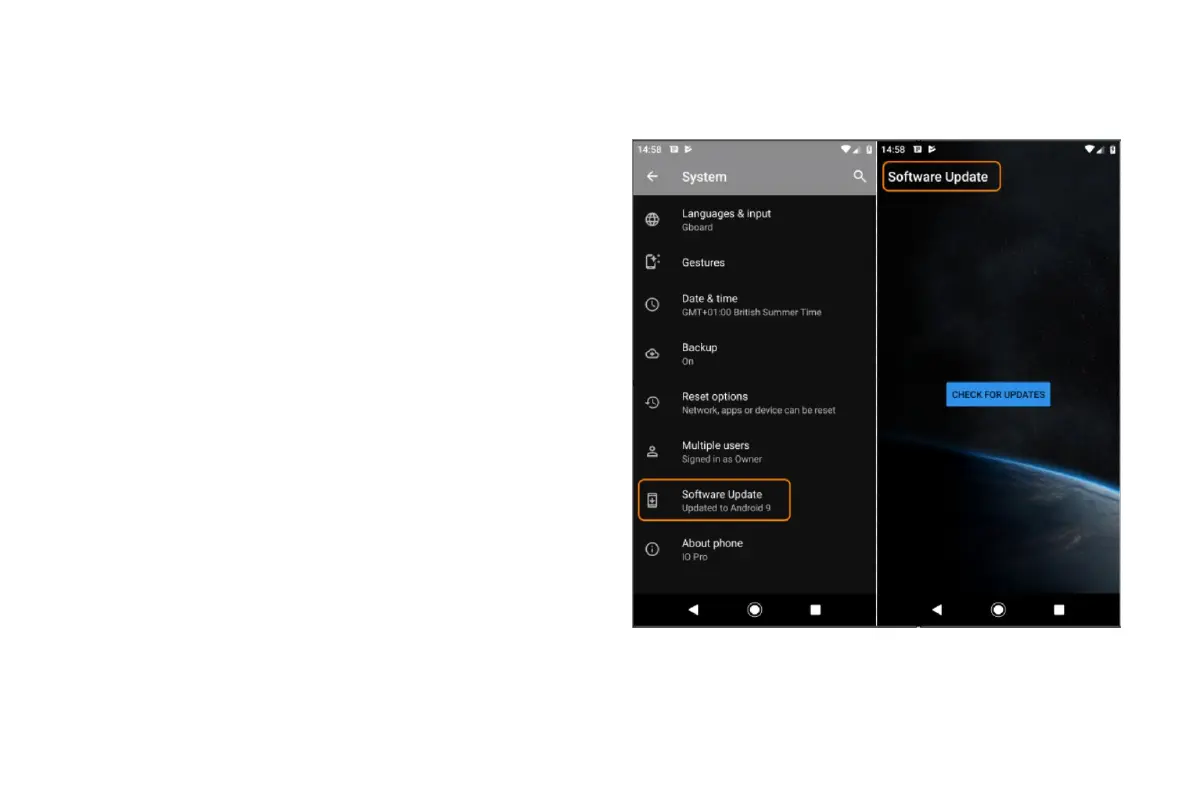
To manually check for updates, go to Settings > System > System
updates.
If an upgrade is available, follow the onscreen instructions to install it.
About device
Go to Settings > System > About phone
Find legal and product information
To view the electronic regulatory label for your phone, go
to Settings > System > Regulatory information.
For safety, environmental, warranty and other legal information, go
to Settings > System > Legal information.
Printed legal information may also be provided with your phone.
To find your phone's model number, go to Settings > System > About
phone > Model



 To Next Page