118
Wi-Fi
Connect to Wi-Fi network
Some Wi-Fi networks are open and you can simply connect for
Internet access. Other Wi-Fi networks are secure and require you to
enter a password. Contact the Wi-Fi network's owner for the
password.
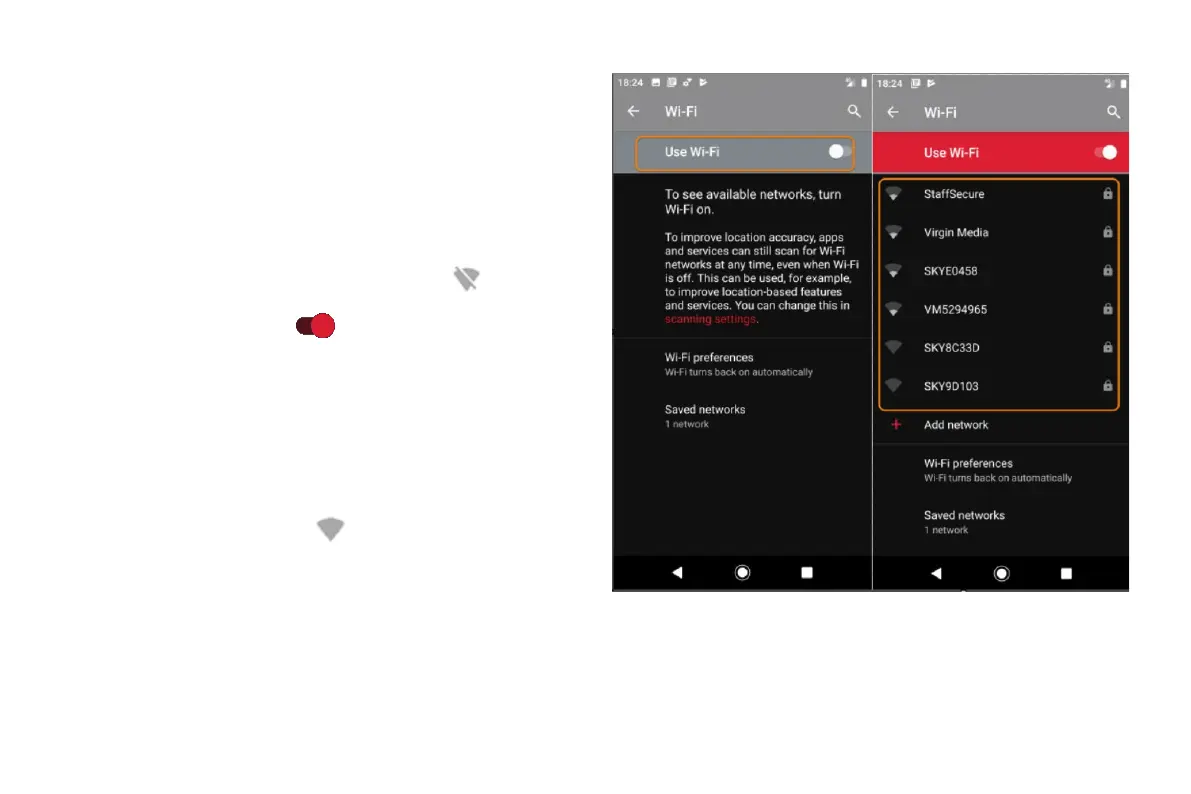
To search for and connect with available Wi-Fi networks:
• Open quick settings, then touch & hold
.
• Turn Use Wi-Fi on
.
• Touch the Wi-Fi network you want to connect to.
• If the network is a secure one, enter the password.
To extend the life of your battery between charges, turn off Wi-Fi
when you're not in a location with access to Wi-Fi.
Open quick settings and touch
to turn it off.
Advanced: Forget Wi-Fi connection



 To Next Page