16
Add or remove accounts
About accounts
When you set up your phone, you were prompted to add a Google account.
If you skipped this, be sure to set one up now so you can download apps
from Play Store, get a customized information feed, and take full advantage
of the Calendar, Gmail, and other apps included with your account.
You can also add other web accounts.
For each account, you can control which of its features and apps sync with
your phone.
Add Google account
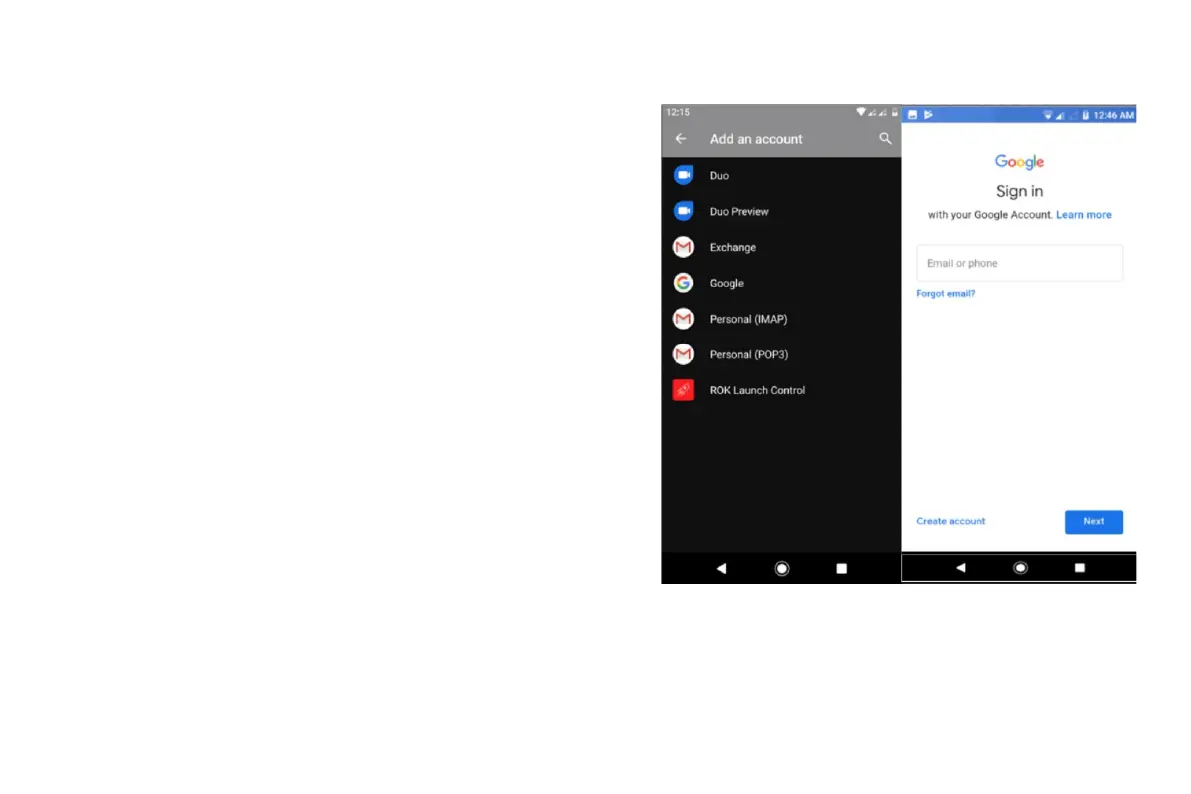
To add a Google account:
1.Go to Settings.
2.Touch Accounts > Add account.
3.Touch Google and follow the onscreen instructions to add an existing
account or to create a new one.
4.Once the account is added, Calendar, Contacts, and other account
features and apps are updated with information from that account. You can
review and change what syncs with your phone for that account


 To Next Page
 Loading...