25
Home and lock screen
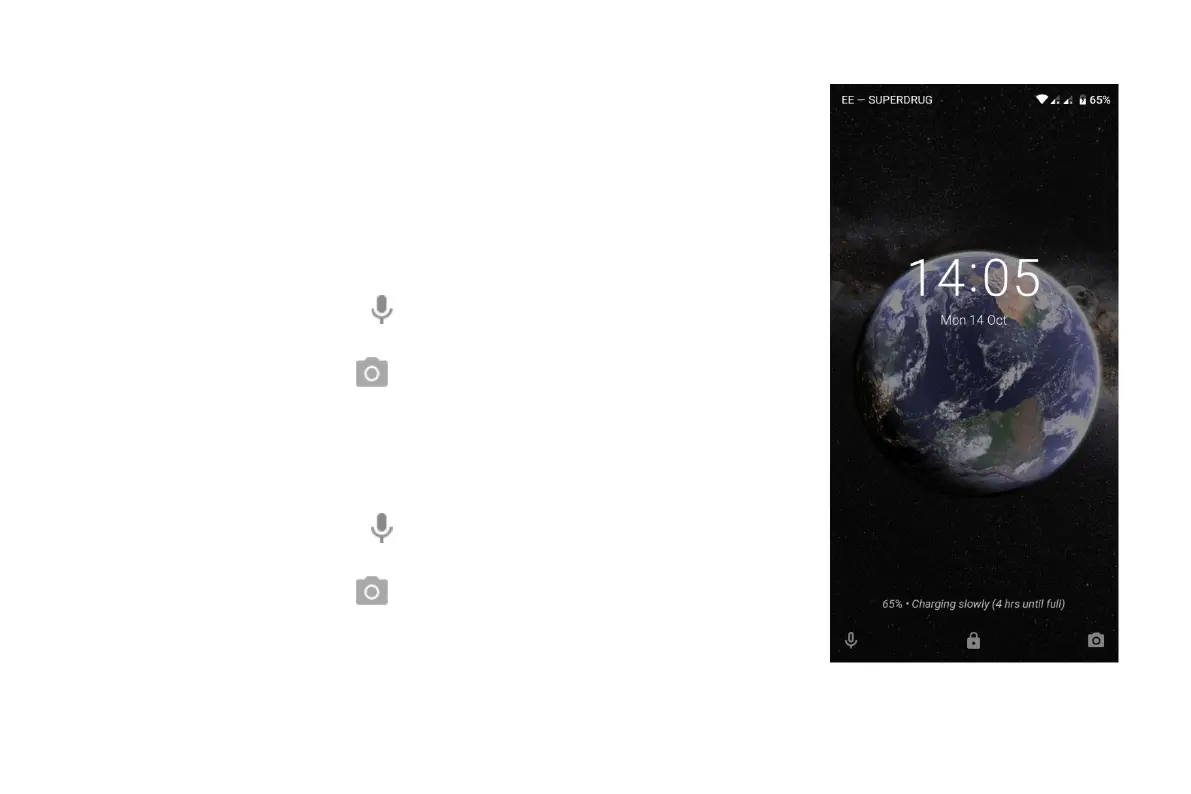
About your lock screen
The lock screen appears when you're using a screen lock and you turn on or wake your phone
From the lock screen, you can:
• View and respond to notifications. Double touch one to open it.
• Open your quick settings. Swipe down from top of screen.
• Start a voice search. Swipe
right.
• Open the camera. Swipe
left.
Go into Lockdown. Temporarily turn off notifications and fingerprint unlocking. You can customize
your lock screen to:
• Swipe down from top of screen.
• Start a voice search. Swipe
right.
• Open the camera. Swipe
left.
• Go into Lockdown. Temporarily turn off notifications and fingerprint unlocking.


 To Next Page
 Loading...