52
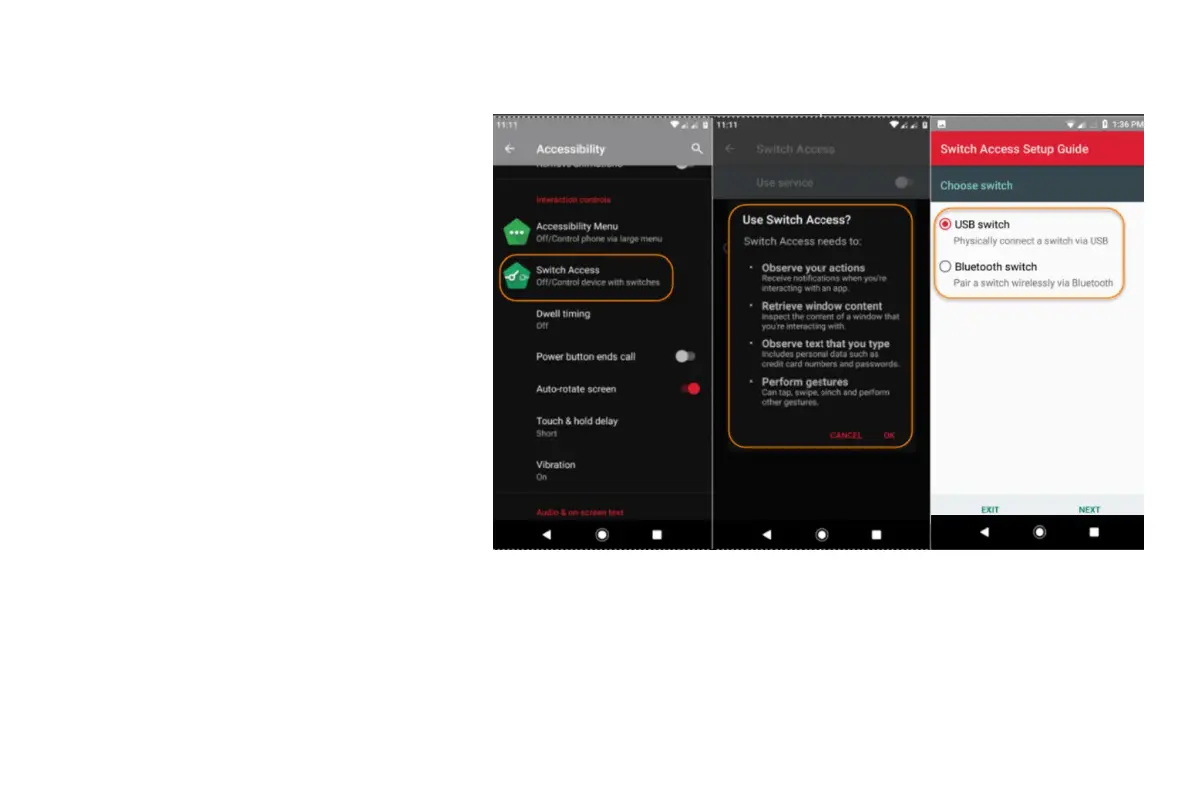
To adjust Switch Access later:
• Go to Settings > Accessibility.
• Touch Switch Access > Settings.
• Adjust options.
Use Switch Access
• To start scanning and highlighting items on
the screen, press the assigned switch or
key.
• To select a highlighted item, press the
assigned switch or key, then press the
switch or key assigned to select options.



 To Next Page