62
Edit contacts
After creating a contact, you can change the name, photo and other contact information.
• Open the
Contacts app.
• Touch the person's name.
• Adjust settings as needed:
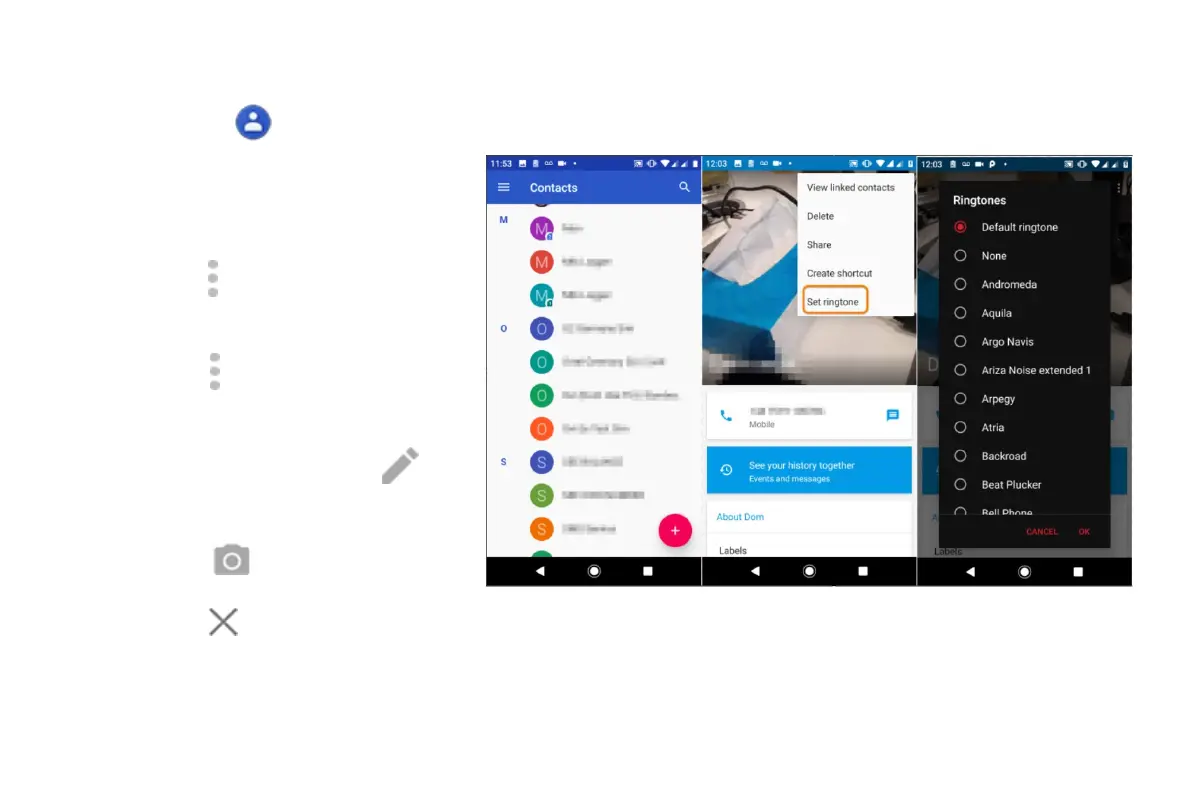
• To assign a custom ringtone,
touch
> Set ringtone.
• To send calls directly to voicemail,
touch > Route to voicemail. You can
also block calls.
• To edit contact info, touch , then
touch a field to make changes,
touch to change the photo, or
touch > Discard to undo changes.



 To Next Page