70
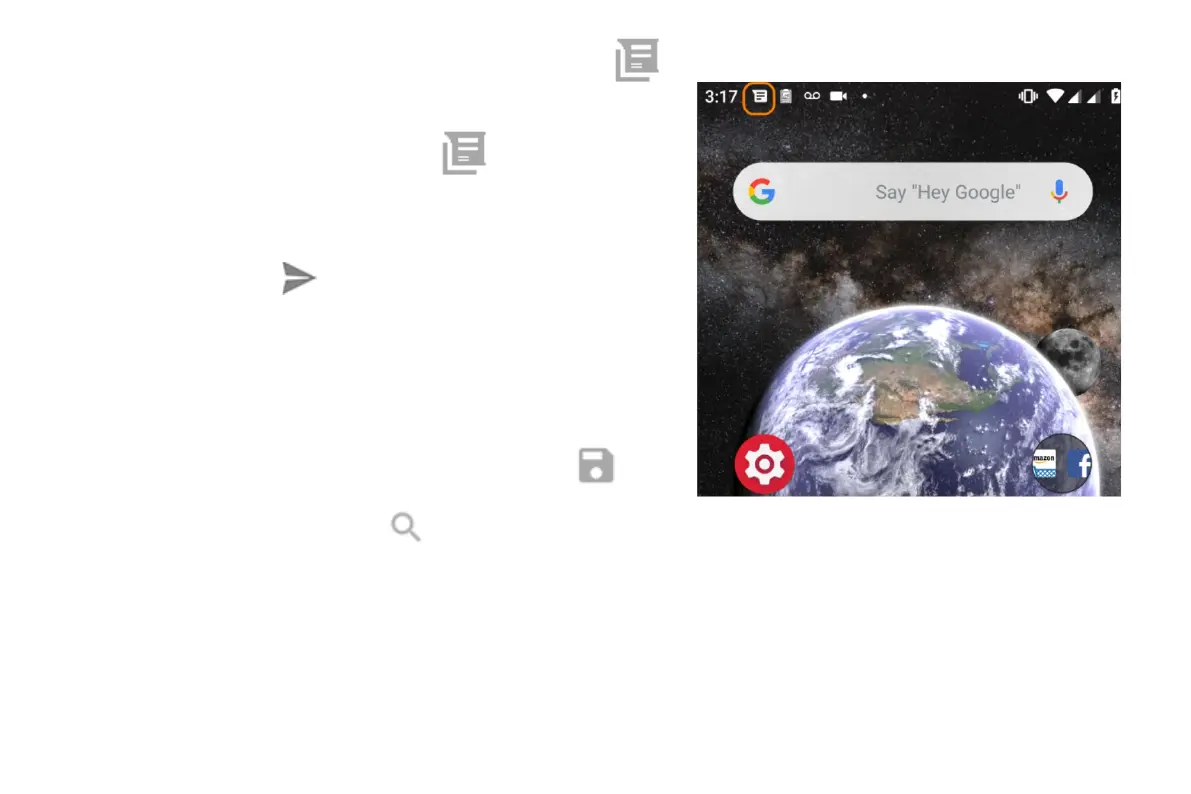
When you receive a text message with the Messages app, you'll see in
the status bar.
1. Swipe the status bar down and touch .
2. Do any of the following:
• To respond to the message, enter your response in the text box
and touch .
• If the message is from an unassigned number, create a
contact to associate a name with that number.
• To open an attached photo, slideshow or any type of attachment,
touch it.
• To save an attachment, touch & hold it, then touch
.
• To find a message, touch
at the top of your message list and enter search terms.
Send text message
1. Open the Messages app.



 To Next Page