Email -Customer Care:customer@cibortv.com (USA and Canada) | clienti@cibortv.com (Europa)
4
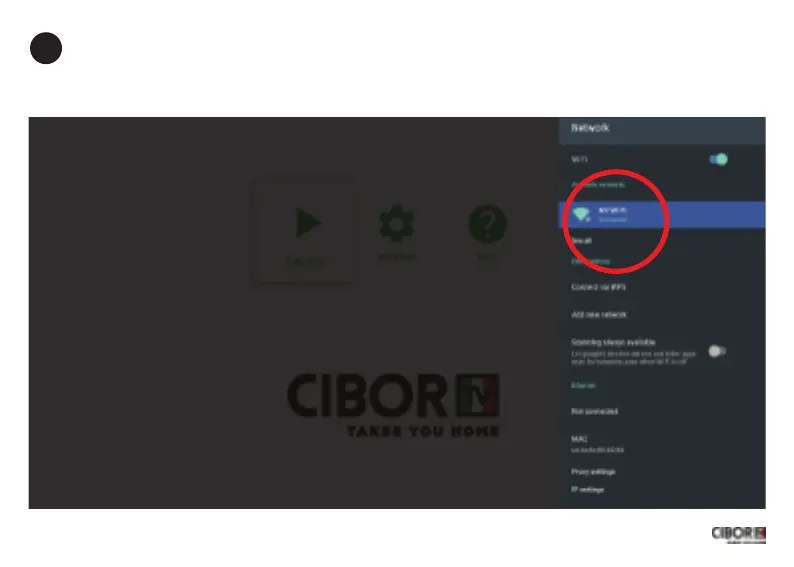
Vericare che lo stato siaConnected, nel caso siaSaved o Not Connected rifarela procedura
(selezionarela propria wi, premere ok su Forget Network e inserirenuovamente la password)
Check your wi status, it has to beConnected,in case it is Saved or Not Connected please
try again (select your wi, press ok on Forget Network and insert the password again)


 To Next Page