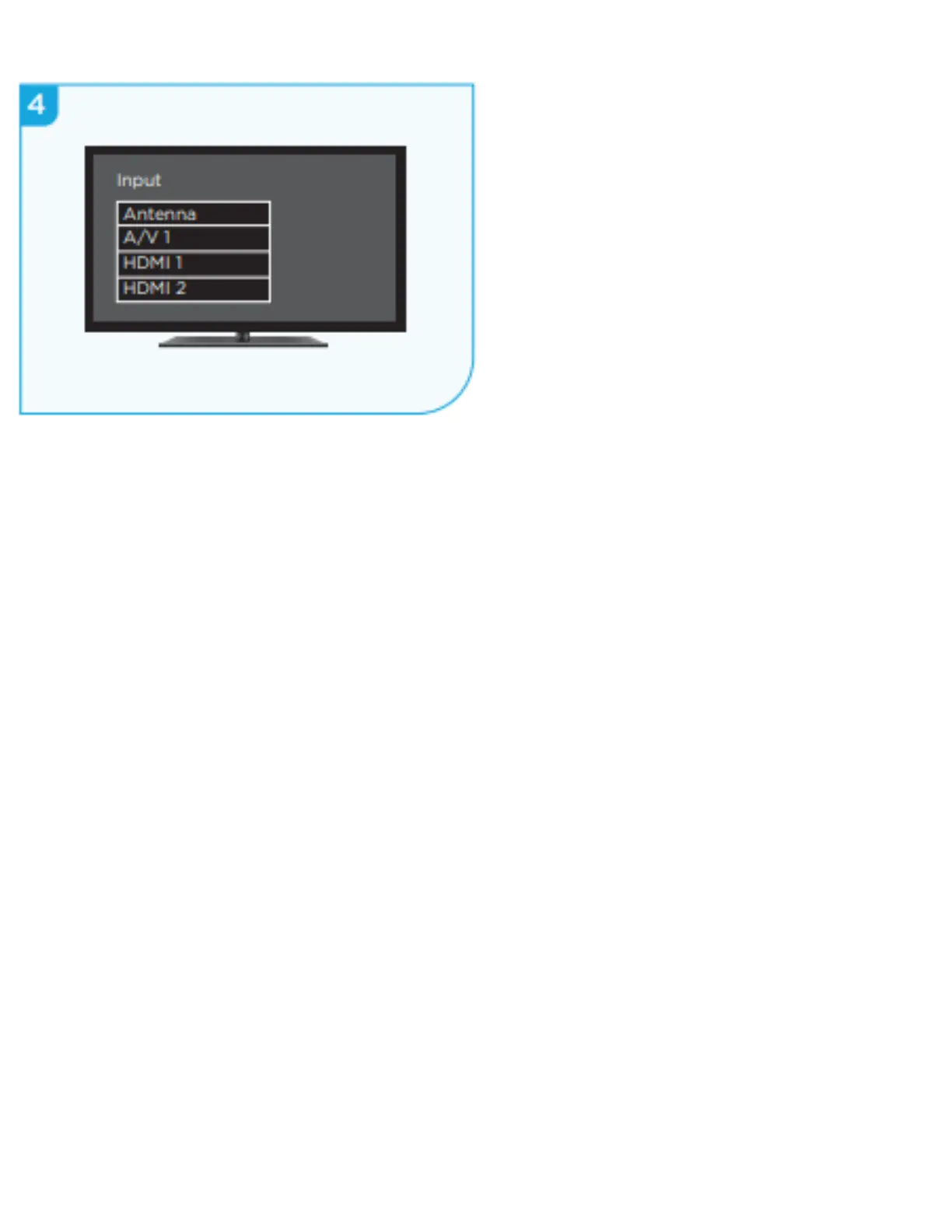
STEP 4:
Power on TV and select input
Use your TV remote to power on
your TV and select the input you
used to connect your streaming
player.
For help on how to select the
correct input, visit
go.roku.com/selectinput
For more help with setup and
troubleshooting, visit
https://support.roku.com/category/11500136
0548--troubleshooting
for helpful video tutorials.


 To Previous Page