1
2
OR
3
4
5
USB
HDMI
USB
HDMI
RESET
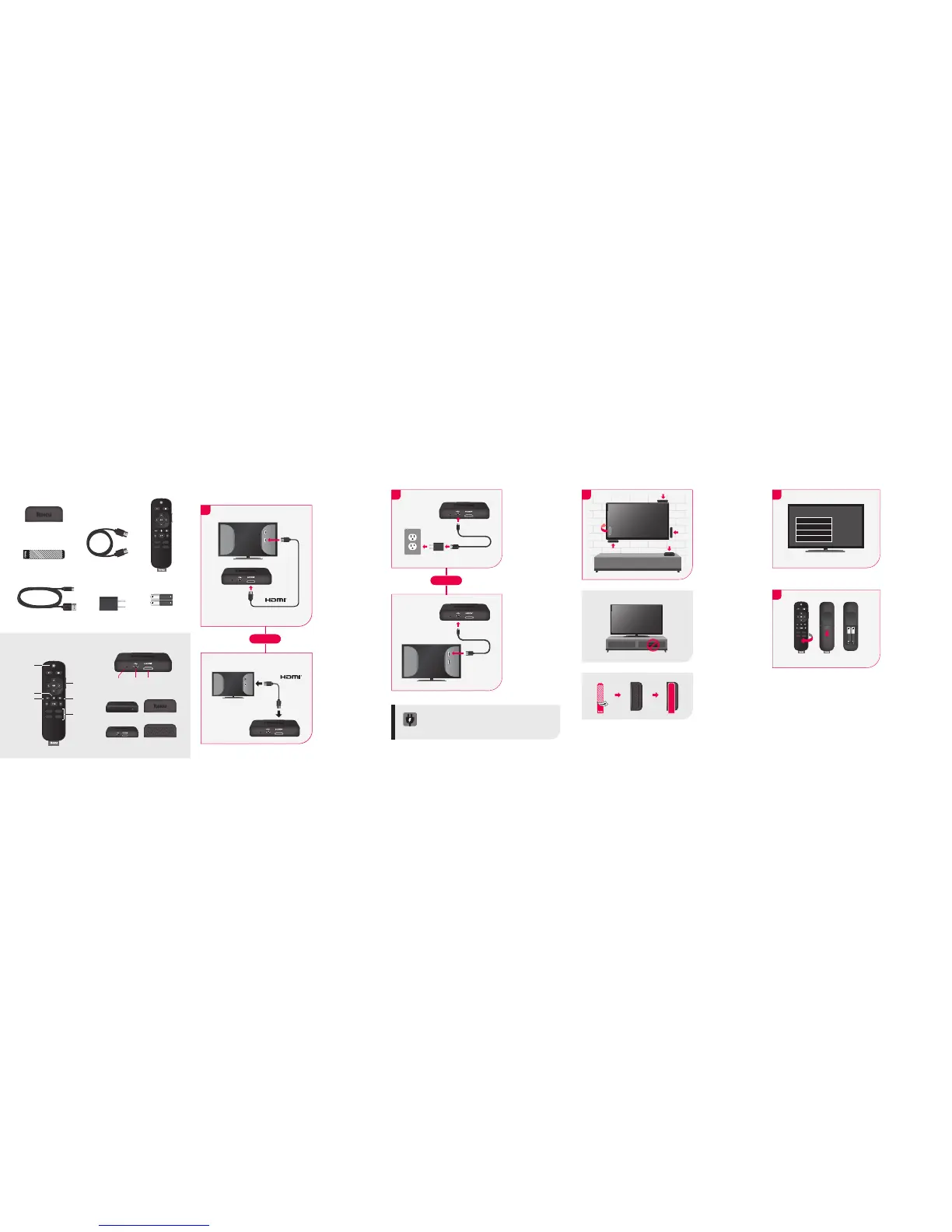
Setup
STEP 1:
Connect to TV
Connect your
streaming player to
an HDMI port on the
back of your TV using
the Premium High
Speed HDMI® Cable
(included).
To stream 4K or HDR
choose an HDMI port
that supports HDCP
2.2. Use the Premium
High Speed HDMI®
Cable (included).
For help determining
which port supports
HDCP 2.2, visit go.roku.
com/hdcp
STEP 2:
Connect to
power
For the best streaming
experience, use the
included USB power
cable and power
adapter to connect
your streaming player
to a wall outlet.
Or use the included
USB power cable to
connect to the USB
port on your TV.
NOTE: Not all TV USB
ports provide enough
power.
WARNING: See a red light on your streaming player?
That means the USB port on your TV is not providing
enough power. Use the included power adapter instead.
For help, visit go.roku.com/lowpower
RESET
RESET
STEP 3:
Position Roku
streaming player
Place the streaming
player near your TV.
The streaming player
can be attached to
your TV with the
included double-sided
adhesive strip. The
strip is for single-use
and can be removed.
DO NOT place inside
a TV cabinet. Doing so
may cause overheating.
Bottom
DO NOT:
OPTIONAL:
STEP 4:
Power on TV and
select input
Use your TV remote to
power on your TV and
select the input you
used to connect your
streaming player.
For help on how to select
the correct input, visit
go.roku.com/selectinput
STEP 5:
Insert batteries
On the back side of
the remote, slide open
the battery cover. Insert
included batteries
placing the negative (-)
ends in first.
Your remote should pair
with your streaming
player automatically.
For help pairing your
remote, visit
go.roku.com/
remotehelp
For proper use,
see adhesive strip
instructions located
at the end of this
Quick Start Guide.
Antenna
A/V 1
HDMI 1
HDMI 2
Input
RESET
RESET
What’s included
Features
Front Top
Back
Reset USB
Power
HDMI
Bottom
Volume
Channel
shortcuts
Options
TV power
Instant replay
Voice button
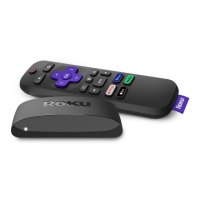
Roku Premiere+
Streaming Player
Removable
Adhesive Strip
Remote
Two AAA
Batteries
Premium High Speed HDMI®
Cable
Power AdapterUSB Power Cable
4K/HDR TVs
HDCP 2.2
USB
HDMI
OR
RESET



 To Previous Page