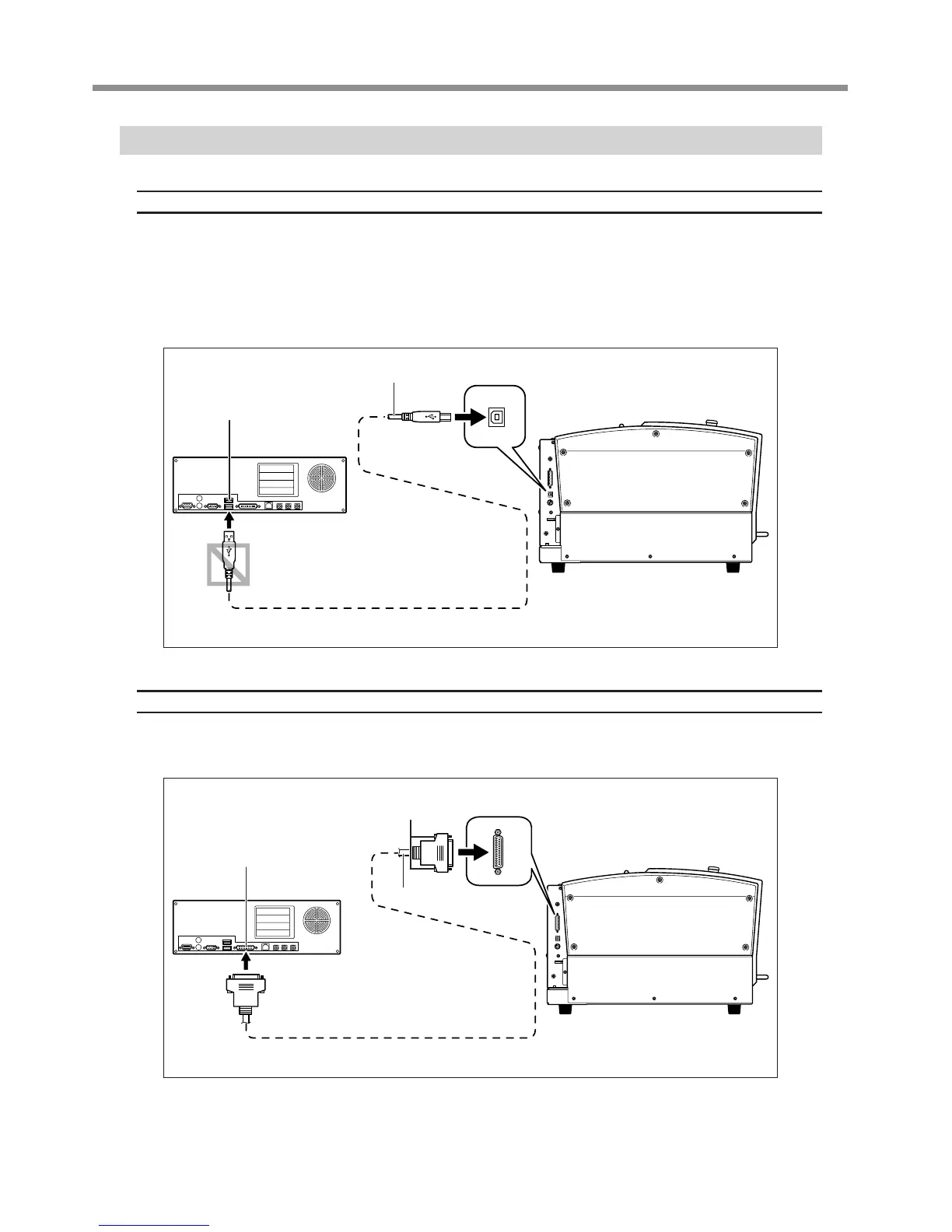
Connecting a Computer Via a Communication Cable
USB cable
At this time, keep the cable unconnected until you carry out this operation.
Follow the instructions in the separate Roland Software Package Software Guide to make the connection.
P. 19, “About the Documentation for This Machine”
Never connect two or more machines to one computer.
Use a shielded USB cable having a length of 3 m (10 ft.) or less.
Never use a USB hub.
Serial cable
Using a serial cable requires making the settings for the communication parameters with the computer.
For the serial cable, use a separately available XY-RS-34 from Roland DG Corp.
P. 85, “Submenus,” p. 110, “Serial Connector”
Left side
At this time, keep the cable
unconnected until you carry
out this operation.
Computer
USB port
USB cable
Left side
Computer
RS-232C connector
Secure in place with the screws.
Serial cable



 To Next Page
 Loading...



