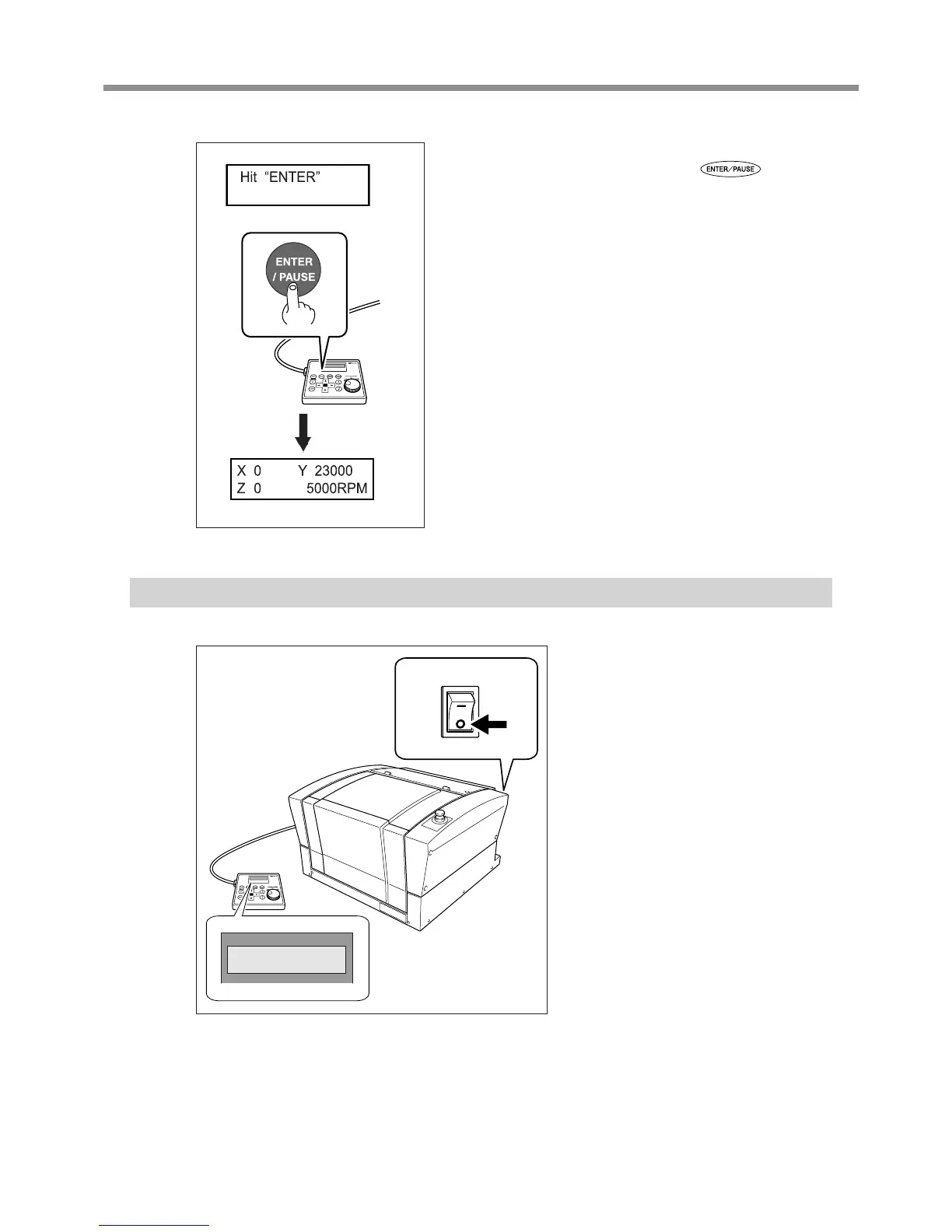
When the screen shown in the gure at left appears after
approximately three seconds, press
.
The spindle head moves to a location on the inner-left side of the ma-
chine. This operation is called “initialization.”
The default for the language used for on-screen display is English. To
change the display language to Japanese, refer to the page indicated
below and change the language setting.
P. 33, “Selecting the Language Used for Text on the Display Screen”
When initialization ends, the screen changes to a display like that shown
at left (the mainscreen). This completes initialization.
Shutdown
Make sure the machine is not in oper-
ation, then turn off the power switch.
The display screen on the handy panel goes
dark.
Main screen
OFF
Dark
41



 To Next Page
 Loading...



