Executing Repeated Cutting
A single set of cutting data is saved in the machine’s memory until the next set of data is sent from the computer. You can
use this data to repeat the same cutting by operating just the machine.
Note, however, that cutting data that exceeds the machine’s memory capacity (2 MB) cannot be copied.
Procedure
Send the cutting data from the computer and execute cutting.
Change the workpiece.
P. 54, “Mounting a Workpiece”
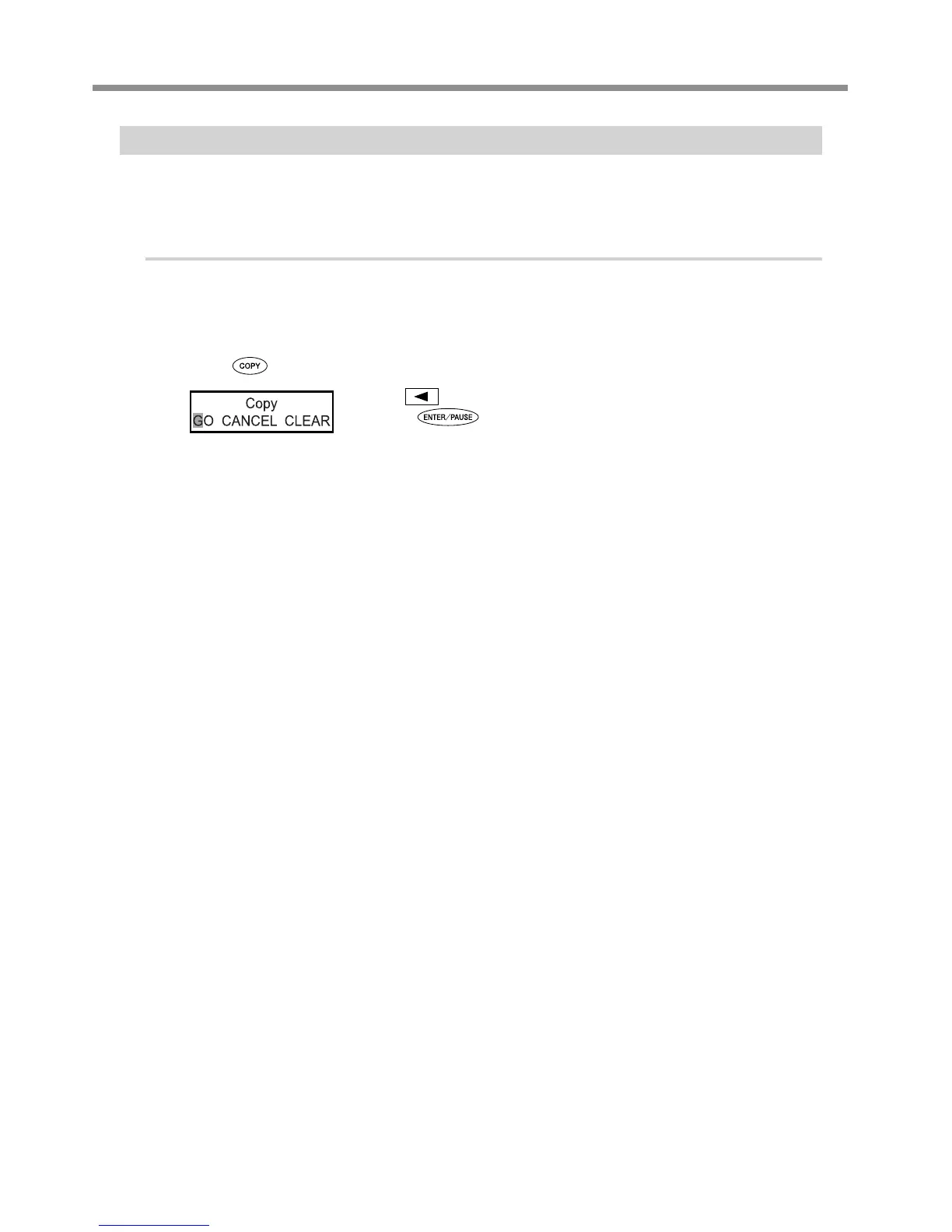
Press .
Use to select “GO.”
Press
to conrm.
Cutting is performed again using the cutting data used for execution just before.
Operation When Other Items Are Selected
“CANCEL”
This returns you to the original menu without performing cutting again.
“CLEAR”
This deletes the cutting data saved in the machine.



 To Next Page
 Loading...



