72
4 Adjustment
4
1
4-3 HOW TO UPGRADE FIRMWARE (Referential Time : 5 minutes)
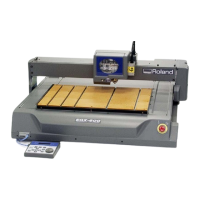
Connect PC and EGX-600/400 with the PARALLEL CABLE.
2
4
It is necessary to prepare the followings to
upgrade the FIRMWARE.
1. FIRMWARE DISK
2. PC with MS-DOS
3. PARALLEL CABLE
3
[ ],[ ],[ ] + POWER ON
[ENTER ] key
UPDATE B.1.10
Are you sure?
UPDATE B.1.10
Send new program
Version [ A1.2]
UPDATE Complete!
Turn on the power while pressing [ ], [ ] and [ ] keys.
Press [ENTER] key when the right message appears.
BAT FILE can not be used on some PCs. Please
refer to the ReadMe File in the FIRMWARE DISK.
Open the [download.bat] in the FIRMWARE DISK.
Turn off the power when completed.


 To Next Page
 Loading...











