29
Quick Start
The Reverse setting makes a sample play in the opposite direction, as if a tape were being played backward.
1.
Go to the Play screen (p. 15).
2.
Hold down [FUNC] and press pad [13] (SAMPLE PARAM) to get the SAMPLE EDIT screen.
3.
Press the pad whose sample you want to edit.
If you want to edit a sample that’s in a different pad bank, switch the pad bank (p. 23) and then choose a sample
to edit.
If the pad bank is protected, a lock symbol is displayed in the upper right of the screen. In this case
you will not be able to edit the sample unless you turn off the Protect setting (p. 31).
4.
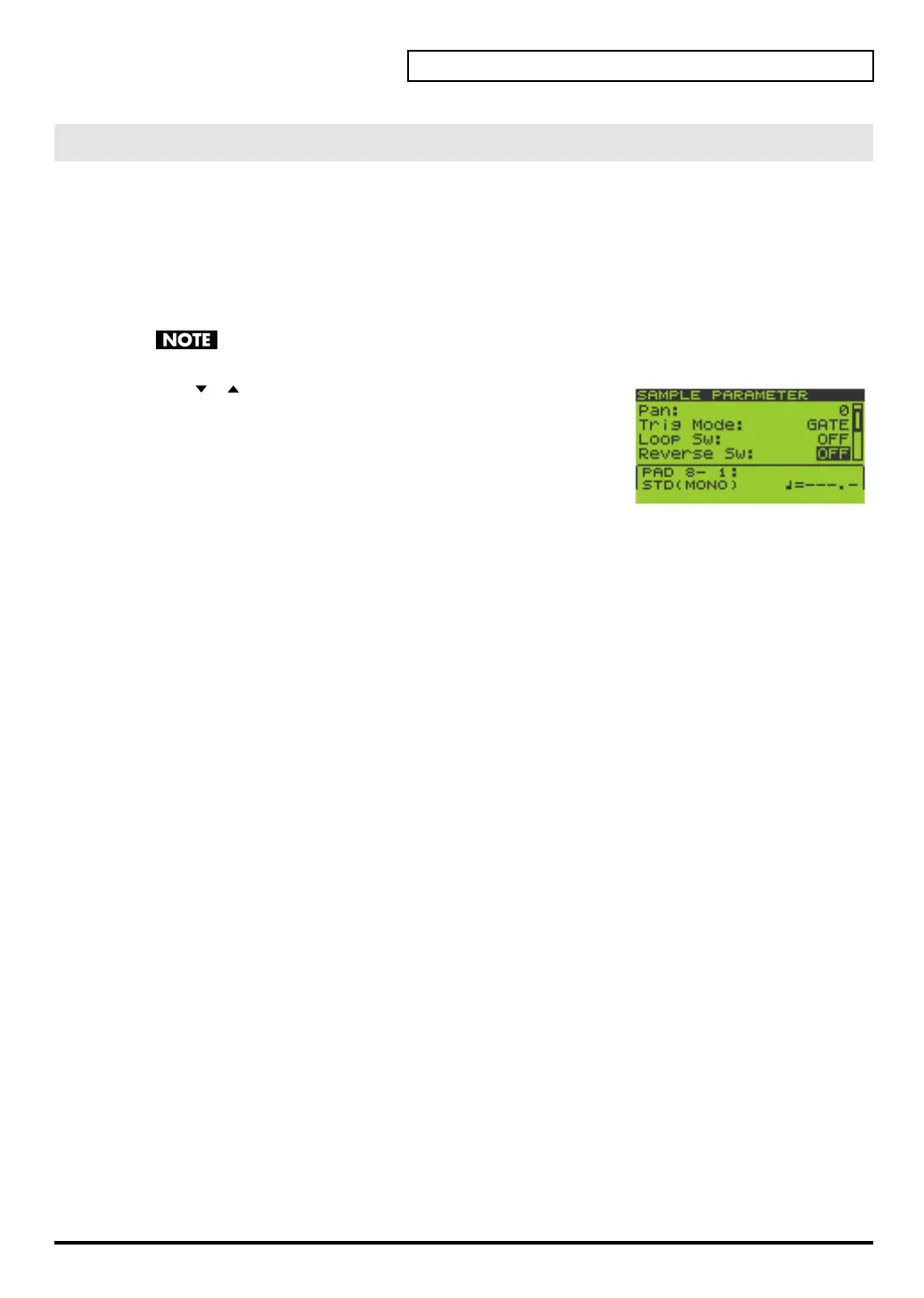
Use [ ][ ] to move the cursor to the “Reverse Sw” line.
5.
Turn the VALUE dial or use [DEC][INC] to select OFF or ON.
OFF
: not reversed
ON
: reversed
If you want to make settings for other samples as well, repeat steps 3–5.
6.
Press [EXIT] to return to the Play screen.
Reversing the Playback
SP-606_e.book 29 ページ 2004年6月21日 月曜日 午前10時8分


 To Next Page
 Loading...