158
5
Administrator
Menu
Output Operation Management
Printing a System Report
This prints system information, including a list of setting values.
Procedure
A
Press [MENU].
B
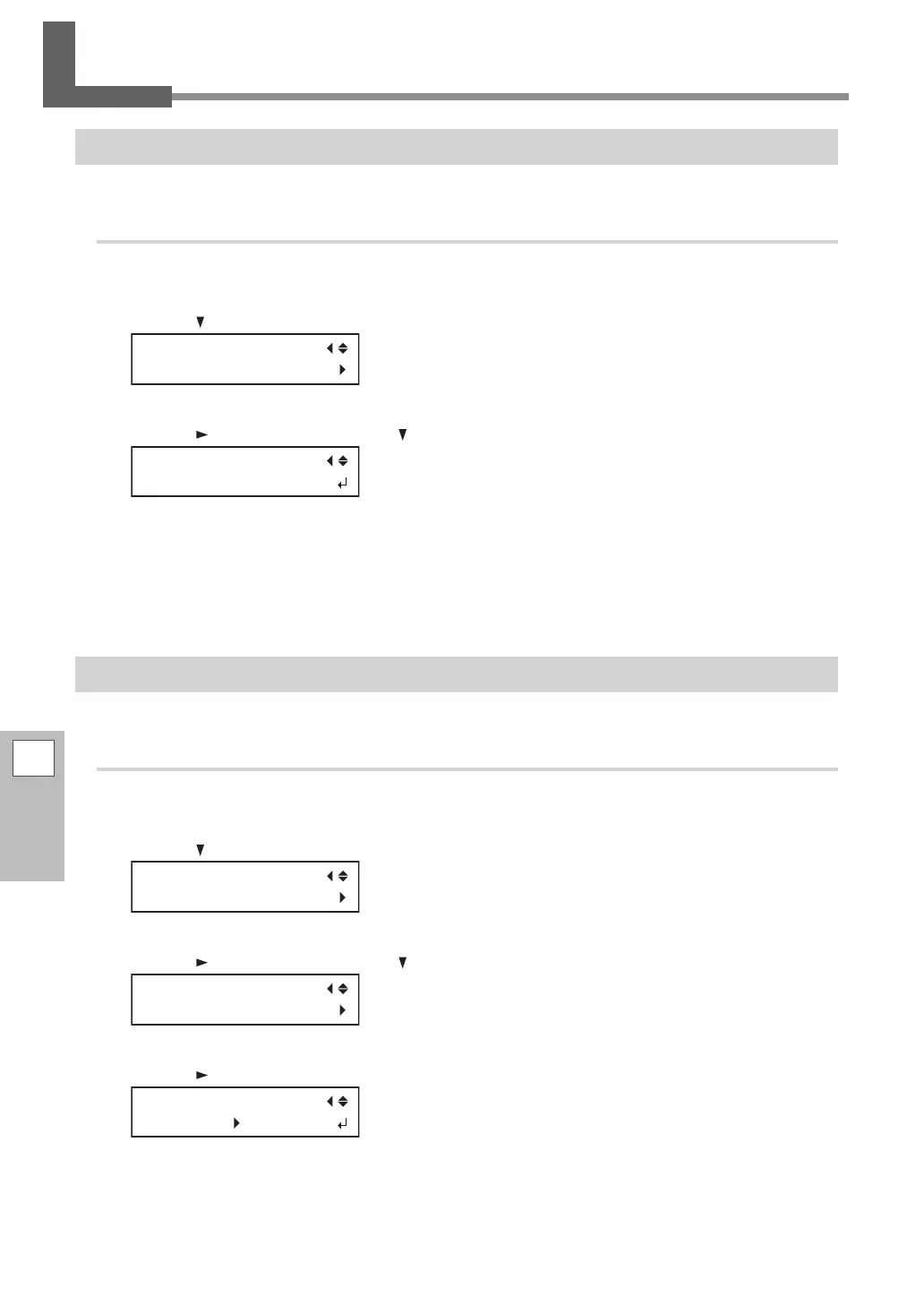
Press [ ] several times to display the screen shown below.
MENU
SUB MENU
C
Press [ ] once, and then press [ ] several times to display the screen shown below.
SUB MENU
SYSTEM REPORT
D
Press [ENTER].
The printing of the system report starts.
E
Press [MENU] to go back to the original screen.
Determining What Happens When Ink Runs Out
This lets you change, according to your purpose, the operation that takes place when an ink pouch is empty.
Procedure
A
Press [MENU].
B
Press [ ] several times to display the screen shown below.
MENU
SUB MENU
C
Press [ ] once, and then press [ ] several times to display the screen shown below.
SUB MENU
INK CONTROL
D
Press [ ] twice to display the screen shown below.
EMPTY MODE
STOP STOP



 To Next Page
 Loading...









