21
Connecting External Equipment
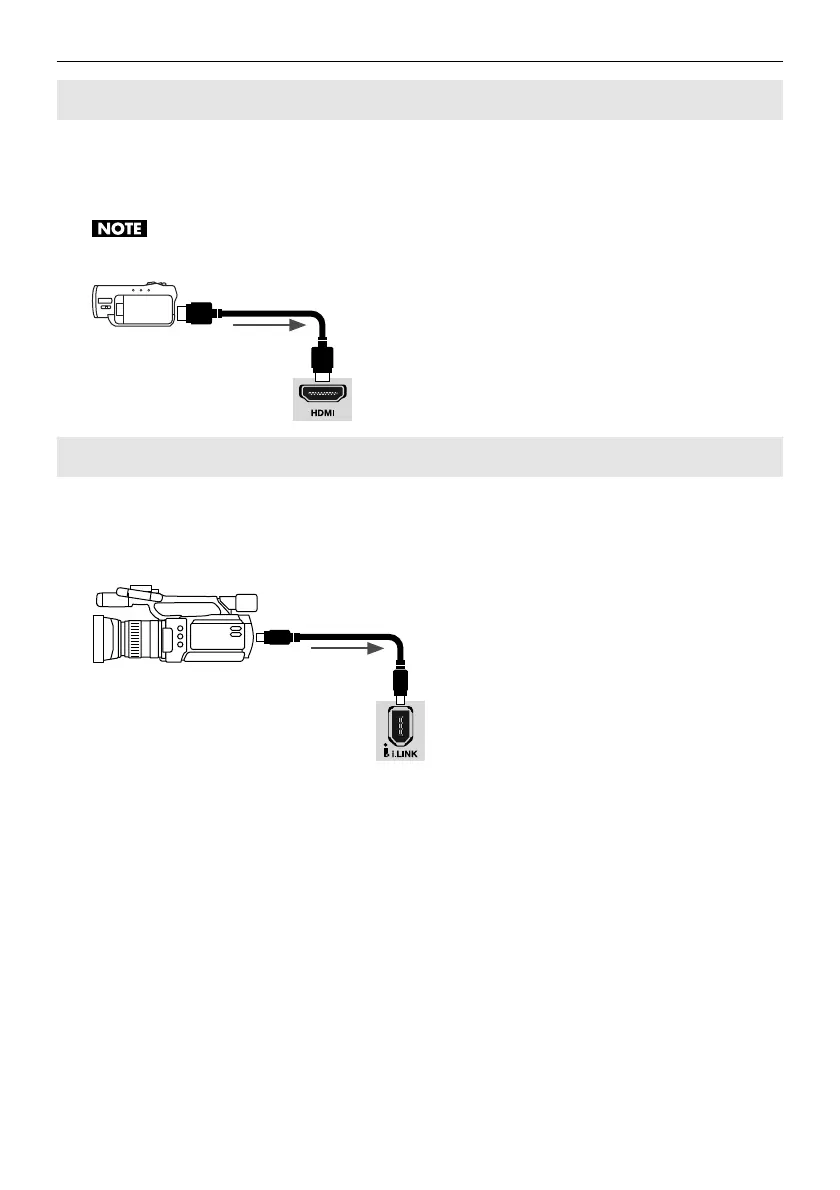
Connect a video camera or other device provided with HDMI output to the [HDMI]
connector on the front panel. For information on the source selection, refer to
“Converting HDMI Input” (p. 27).
HDCP (High-bandwidth Digital Content Protection) is not supported for HDMI input on the VC-30HD.
fig.HDMI-connection.eps
Connect a video camera or other device provided with i.LINK output to the [i.LINK]
connector on the front panel. For information on the source selection, refer to “i.LINK
Thru-Out” (p. 27).
fig.1394-connection.eps
Making an HDMI Connection
Making an i.LINK Connection



 To Next Page
 Loading...









