22
Connecting External Equipment
Use analog connectors for the audio sources. For information on the source selection,
refer to “Audio Source Settings” (p. 28).
* When connection cables with resistors are used, the volume level of equipment connected to the
inputs may be low. If this happens, use connection cables that do not contain resistors.
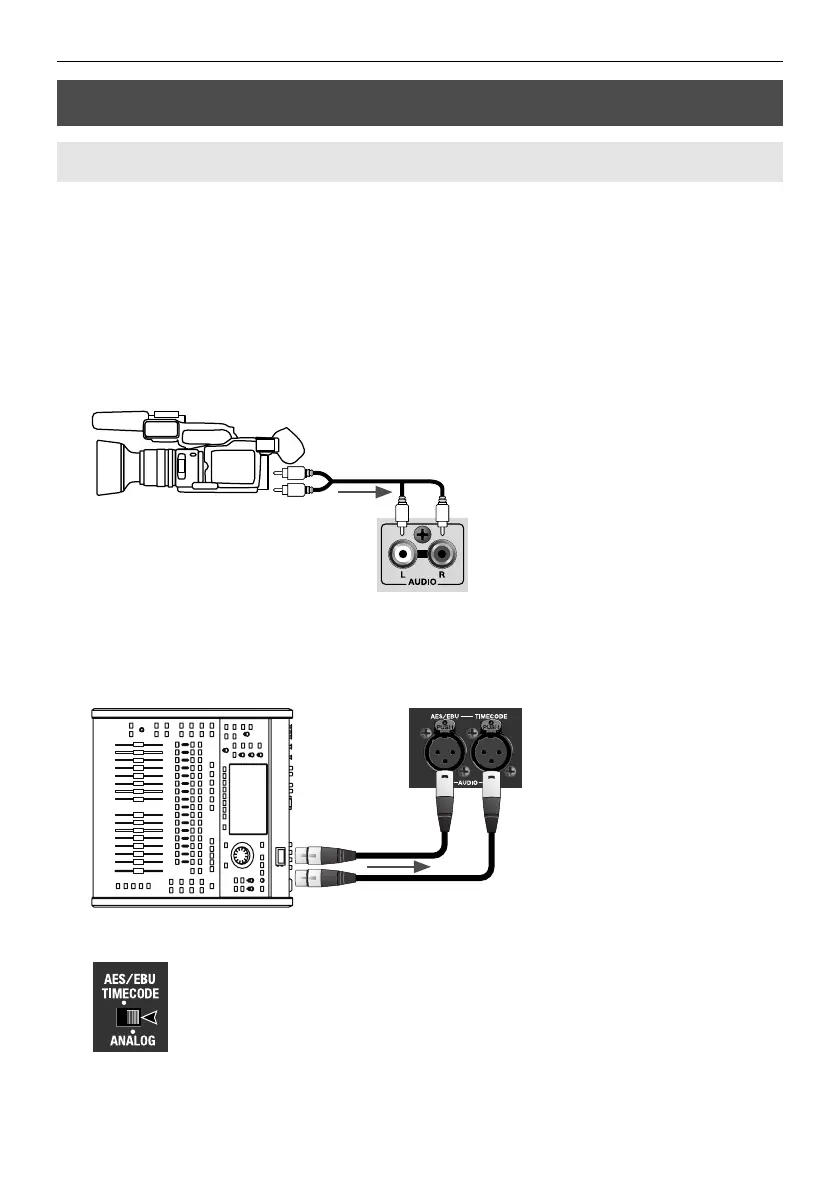
Making a RCA Connection
Connect the audio output from a video camera or the like to the [AUDIO (L/R)]
connectors on the front panel.
fig.connect-RCA.eps
Making an XLR Connection
Connect analog output from an audio mixer such as the Roland V-Mixer to the [AUDIO
IN] connectors on the rear panel.
fig.connect-M300.eps
At this time, use the AUDIO IN selector switch to select [ANALOG].
fig.select-ANALOG.eps
Connecting Audio Sources
Making an Analog Connection



 To Next Page
 Loading...









