Video Operations
25
Switching Automatically
You can make the video on channels 1 through 4 switch
automatically.
MEMO
• Any channels carrying no video input are skipped.
• Switching the video manually is not possible while an automatic
switch is in progress.
1. Press the [MENU] button to display the menu screen.
2. Touch <SETUP>.
The SETUP menu is display.
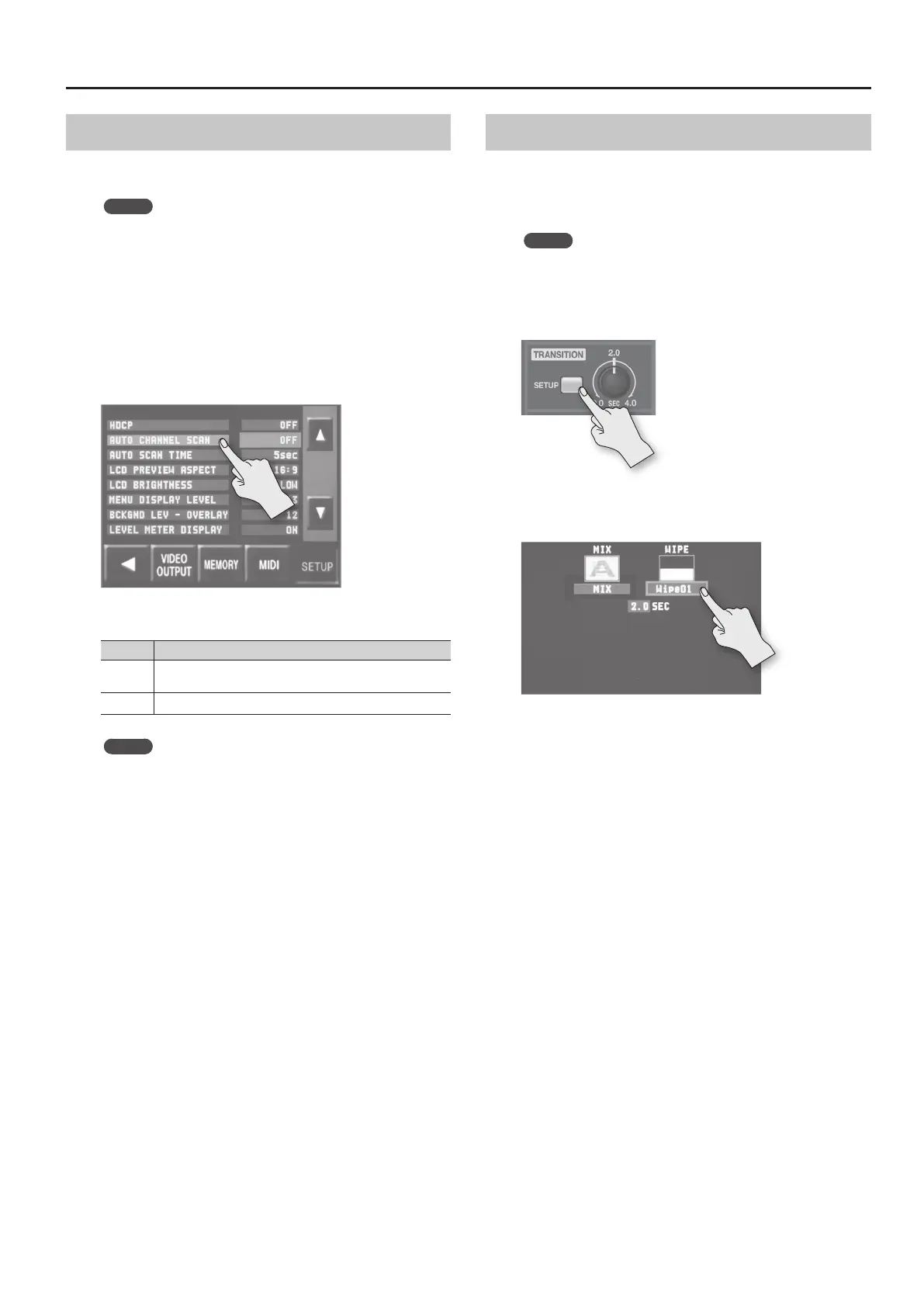
3. Touch <AUTO CHANNEL SCAN>.
4. Turn the [VALUE] knob to set the value to “ON.”
Value Explanation
ON
Video automatic switching is turned on. The video on channels
1 through 4 is switched automatically.
OFF The video automatic switching feature is turned o.
MEMO
You can set a video transition interval in a range of 1 to 120
seconds. Use [MENU] g <SETUP> g <AUTO SCAN TIME> to
make the setting.
5. Press the [MENU] button twice to quit the menu screen.
Using a Dierent Transition Pattern
A variety of transition patterns are available for mix and wipe
transition eects.
To use a dierent pattern, change the transition pattern assigned to
the TRANSITION [MIX] or [WIPE] button.
MEMO
For a list of transition-pattern types, refer to “Transition Eects
List” (p. 52).
1. Press the TRANSITION [SETUP] button.
The setup screen for transition eects is displayed.
2. Touch <MIX> or <WIPE>.
3. Turn the [VALUE] knob to change the transition pattern.
4. Press the TRANSITION [SETUP] to quit the setup screen.



 To Next Page
 Loading...








