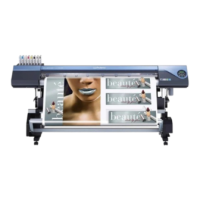
Printing with While, Metallic Silver, and CMYKLcLm Ink
This section describes how to perform printing with the metallic silver ink, the white ink, and the CMYKLcLm
ink. Deciding which ink between the white and the others (the metallic silver and CMYKLcLm) you want to
use for the base is an important point in determining the print job setting here.
To use the metallic silver ink and the white ink, you need to use the printing data where the use of the respec-
tive inks is designated. For the area of the image to be printed with the metallic silver ink and the CMYKLcLm
ink combined, the setting is xed to the blend print.
P. 12, "2-3 Creating Printing Data"
Procedure
Make sure that you have nished making the preparations for VersaWorks, getting the
printer ready, and creating the printing data ( P. 9, "Chapter 2 Getting Ready").
Double-click .
"Queue A Properties" window appears.
Click .
For [Media Type], select "Generic Clear
Film [MT]."
VS-640i_USE2_EN_R1.indb 37 2013/07/23 19:00:28



 To Next Page
 Loading...