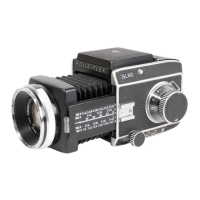
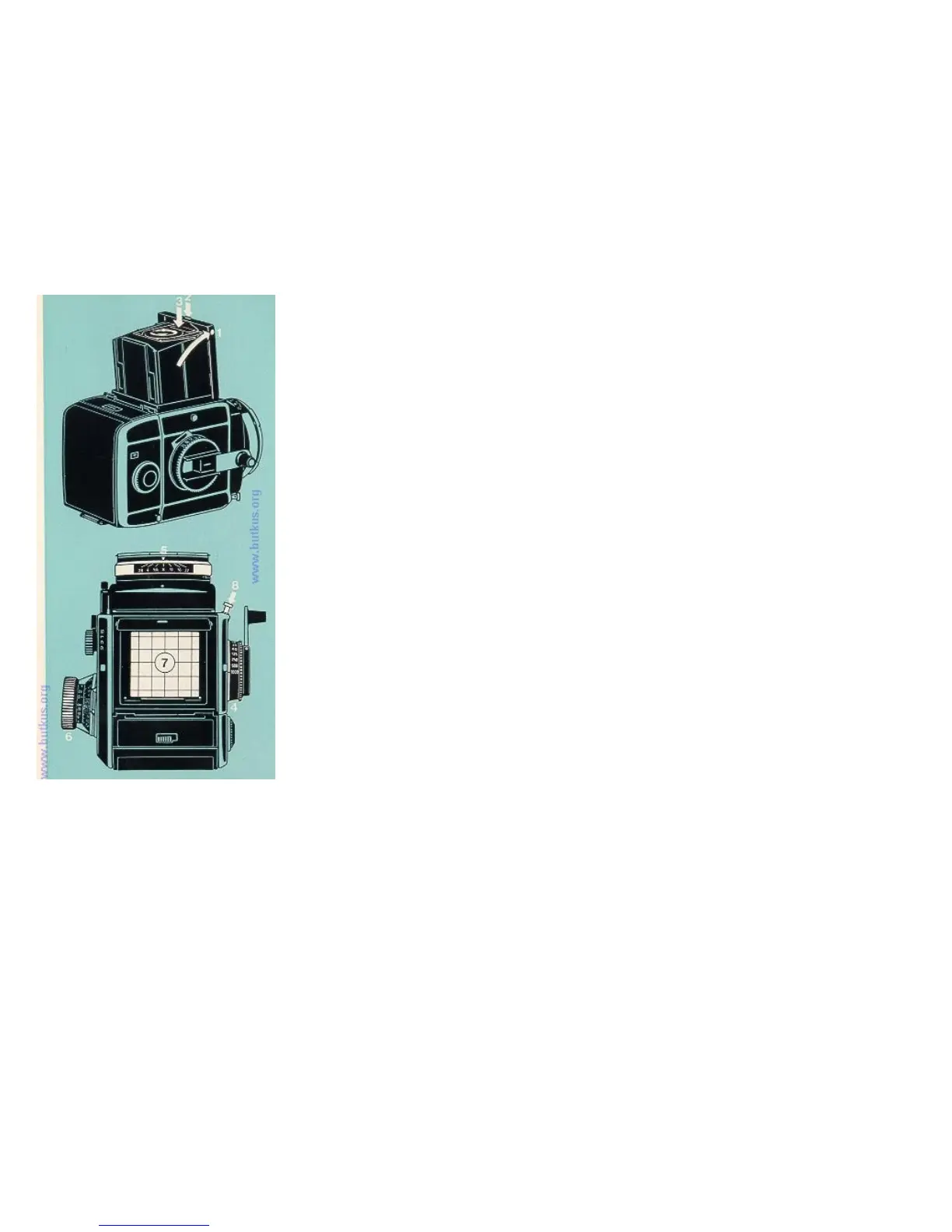
Turn the lens cap to the left and remove. Open the focusing hood (1). To close, push in the side panels.
To raise the magnifier press the key (2). To fold it back again, press down the magnifier frame between magnifier and
the front of the focusing hood (3) until it engages.
1. The Shutter Speed
Turn the knob (4) to engage the appropriate shutter speed. The figures 1000 to 1 are fractions of a second, B is the
setting for time exposures of any duration. Intermediate speeds cannot be set.
Shutter speeds for flash: see page 13.
4www.butkus.org
Exposure value correction: see pages21 and 25.
2. The Aperture
Turn the aperture ring (5). It engages at full and half stop settings.
The 40 mm, 50 mm, 80 mm, 120 mm, 150mm and 250 mm lenses have a fully automatic spring loaded iris
diaphragm. The lens remains fully open until the moment of exposure. The aperture closes down to the pre-selected
value only on pressing the release.
For other lenses: see page 20
3. Focusing
Turn the focusing knob (6) until the picture appears sharpest on the screen (7).
With lenses of very long focal length and when using extreme depth tilt the mirror may cut off a strip near the top of
the screen image. The film in every case still records the full picture area.
Distance scale: see page 10. Depth of field: see page 11.
Depth tilt: see page 12.
4. Releasing
Unlock the release button (by turning) and press (8). When the red dot is visible from above, the release is locked. When the red dot is not visible from above, the release is
free.
Time exposures at the B setting: Press down the release button for the duration of the required exposure time or keep it in the depressed position by the locking collar. The
shutter only closes on unlocking or letting go of the release.
The release button incorporates a cable release thread.


 To Next Page
 Loading...