6
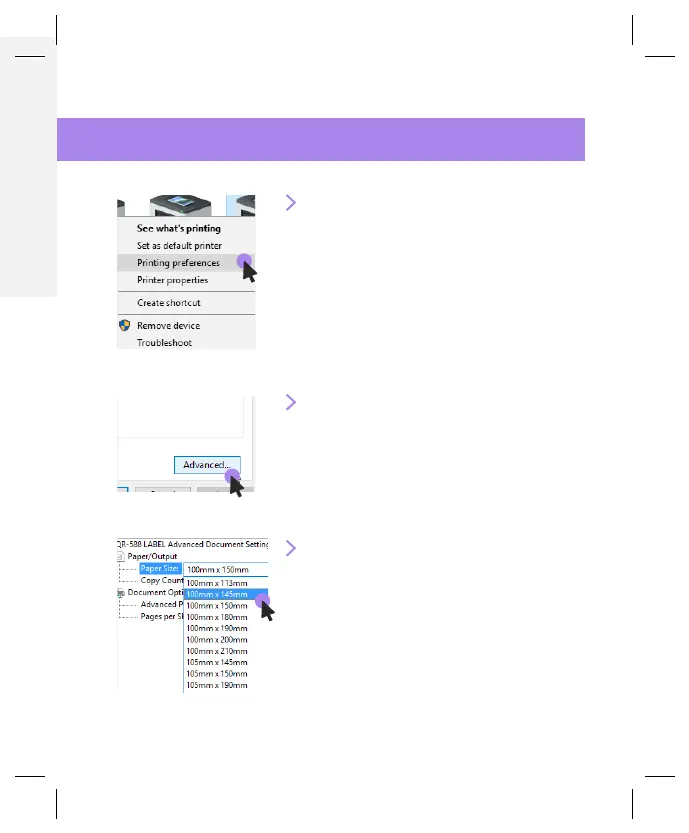
1. Open Your Printer Page
In your control panel, open
the printer page, and right
click on your newly installed
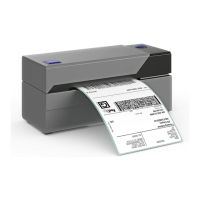
printer “Rollo Printer” and
choose “Printing Preferences.”
2. Go to the Advanced Setting
Click on the “Advanced...”
button.
3. Set the Paper Size
Choose the size of your label
from the drop down menu.
Save your settings and
continue to the label setup.
7
WINDOWS SETUP PRINTING


 To Next Page
 Loading...