15
7. Type an exchange rate (units of the target cur-
rency/one unit of the entry currency) and then
press ENTER.
To Convert Currencies
Note: To convert currencies, you must first set their
exchange rates. To learn how, read “To Set Currency
Exchange Rates.”)
1. Press CAL/CONV until the inches-to-centimeters
conversion screen appears.
2. Press
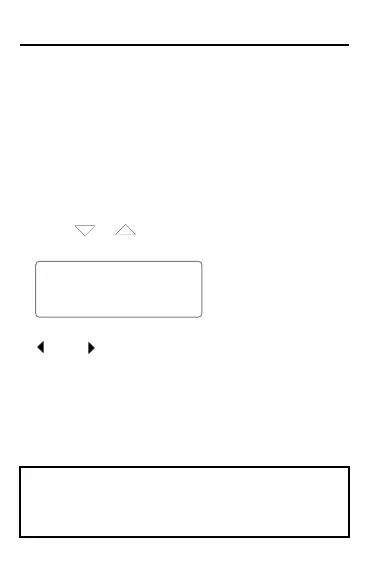
or until the appropriate conversion
screen appears.
USD
– –>
YEN
114.
3. To change the direction of the conversion, press
(DEL) or (INS).
4. Type units of the entry currency and then press EN-
TER to convert it to the target currency.
Converting Measures and Currency
This organizer may change operating modes due to
Electro-static Discharge. Normal operation of this
organizer can be re-established by pressing the ON/
OFF key.



 To Next Page