4
Instructions
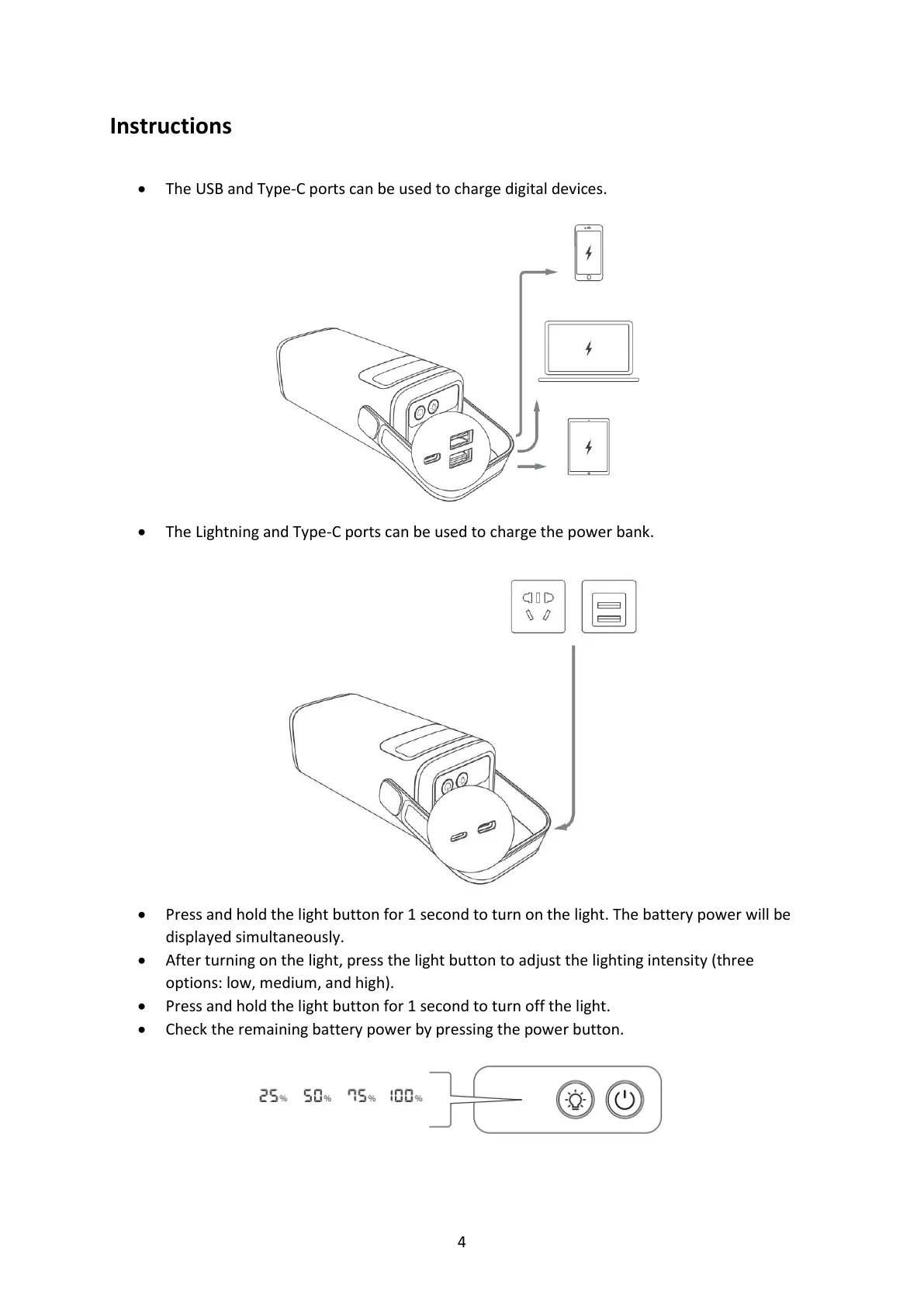
• The USB and Type-C ports can be used to charge digital devices.
• The Lightning and Type-C ports can be used to charge the power bank.
• Press and hold the light button for 1 second to turn on the light. The battery power will be
displayed simultaneously.
• After turning on the light, press the light button to adjust the lighting intensity (three
options: low, medium, and high).
• Press and hold the light button for 1 second to turn off the light.
• Check the remaining battery power by pressing the power button.



 To Next Page