SETTING YOUR WATCH
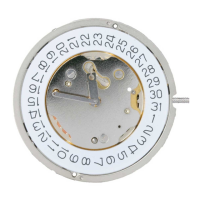
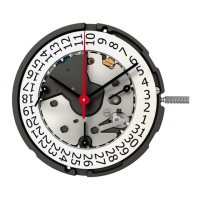
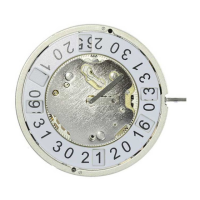
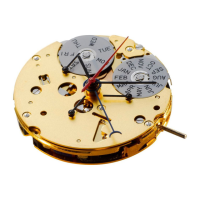
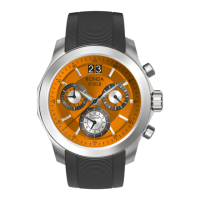
(A-Class, C-Class & R-Class with Ronda 513 movement)
→ Crown/Stem Position 1 : Operating position, watch runs
→ Crown/Stem Position 2 : First Stop – Time-setting, watch
stops. Save 70% of energy when the stem is pulled out.
SETTING
INSTRUCTIONS
WARNING:
When the crown has been pulled, water-resistance is not
guaranteed. Make sure you always push the crown back in
position immediately after setting your watch.


 To Next Page
 Loading...