SETTING YOUR WATCH & CALENDAR
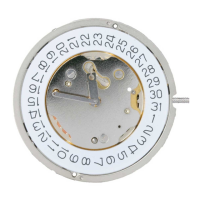
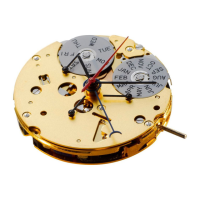
(G-Class with Ronda 515 movement, date)
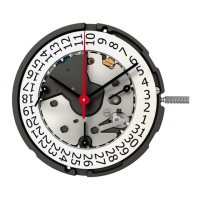
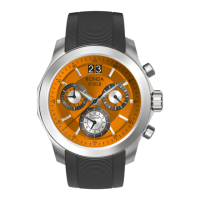
(R-Class Chrono with Ronda 3540.D movement)
Indication : During the calendar jump phase between
10:30 p.m. and 00:00 a.m. the date can be changed.
In this case the following day needs to be set as there will be
no jump at midnight.
→ Crown/Stem Position 1 : Operating position, watch runs
→ Crown/Stem Position 2 : First Stop – Quick change of the date
(clockwise) watch runs
→ Crown/Stem Position 3 : Second Stop – Time-setting, watch
stops. Save 70% energy – when the stem is pulled out.
WARNING:
When the crown has been pulled, water-resistance is not
guaranteed. Make sure you always push the crown back in
position immediately after setting your watch.
SETTING
INSTRUCTIONS



 To Next Page
 Loading...