Need help?
Do you have a question about the Rongta Technology RP422 and is the answer not in the manual?
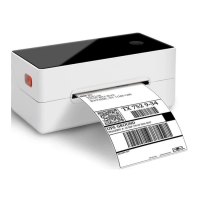
Lists key features of the label printer, highlighting its capabilities.
Provides critical warnings about hot print heads and potential static damage.
Offers essential instructions to prevent serious injury or death during operation.
Outlines additional precautions for safe usage and maintenance to prevent appliance damage.
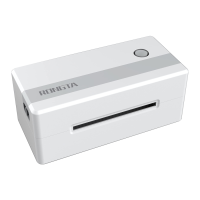
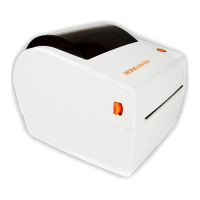
Details front, rear, and internal views of the printer, highlighting its physical aspects.
Lists the primary industries and applications for the printer.
Details model, speed, resolution, paper type, and width for printing operations.
Covers character support, power supply, and environmental operating conditions.
Guides users on checking package contents and identifying included accessories.
Provides step-by-step instructions for connecting power and USB interfaces.
Explains paper loading procedures and how to handle paper jams.
Describes pairing and printing via the Bluetooth interface and its usage.
Provides important precautions for safely operating the printer's power switch.
Details the function of buttons and the status descriptions of indicator lights.
Guides on how to print a self-test page to verify printer status.
Explains how to print a test page using the Windows driver.
Explains the procedure for label positioning learning for accurate printing.
Describes the printer's USB interface socket type and pin configuration.
Provides steps for cleaning the printer head when print quality is poor.
Details how to clean the paper shortage sensor to resolve detection issues.
Explains how to clean the printing rubber roller for improved print quality.
Lists common printer faults, their causes, and recommended solutions.
Outlines FCC rules and conditions for device operation and compliance.
States compliance with FCC radiation exposure limits for uncontrolled environments.
 General
| Print Method | Direct Thermal |
|---|---|
| Resolution | 203 dpi |
| Print Width | 108 mm |
| Label Roll Maximum Diameter | 127 mm |
| Memory | 8 MB |
| Interface | USB, Serial, Ethernet |
| Sensors | Gap Sensor, Black Mark Sensor |
| Media Type | Fan-fold |
| Media Thickness | 0.06 mm - 0.19 mm |
| Power Supply | AC 100-240V, 50/60Hz |

 To Next Page