Roomie Remote Version 3 Quick Start Guide
Copyright © 2014 Roomie Remote, Inc. 24 roomieremote.com
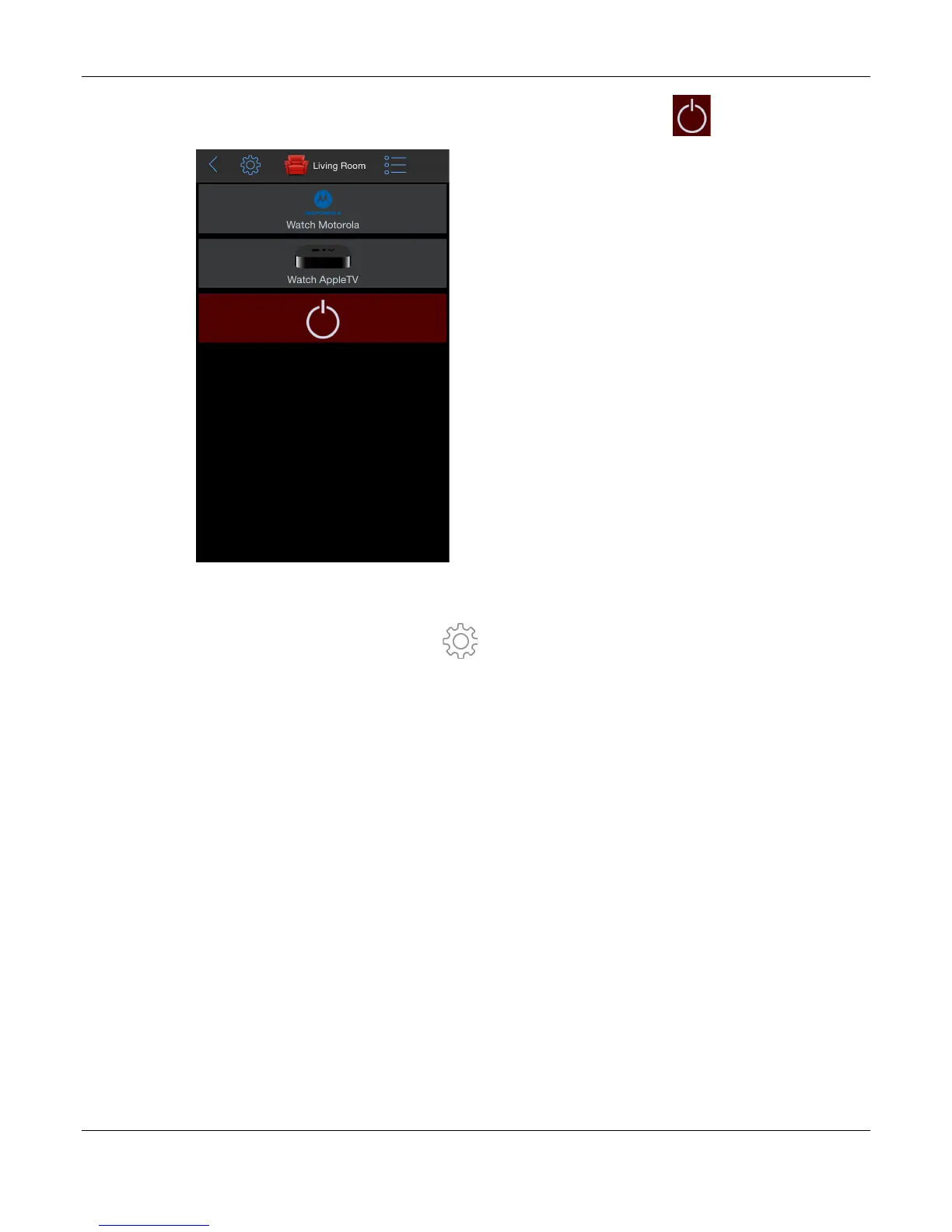
47. Return to the Living Room screen and tap the System Off button .
Congratulations! You have successfully configured a room using Roomie Remote.
Note: If you do not want to keep the devices and activities that were created in this
demonstration, tap the Settings icon ( ), tap Reset Configuration (near the bottom), read
the warning text that appears (a reset deletes everything you have configured, including rooms,
devices, and activities), then tap Reset.


 To Previous Page
 Loading...