20
Testing Your System
After you have completed the setup of your Security360 system, we recommend testing the system to
make sure that all sensors are working properly and connected to SmartBase.
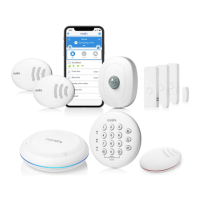
• Motion sensor – verify sensor blinks red when you walk in front after a period of no motion.
• Entry sensor – verify chime tone from the SmartBase when door is opened.
• Water leak/temp – use damp towel to simulate a water leak and verify sensor blinks red.
• Keypad – arm and disarm system and verify in mobile app screen. SmartBase light ring will also be red.
• Smoke alarm – push test button on your smoke alarm and hold for 10 seconds. Verify by receiving an
alarm notification on smartphone. Remember that smoke alarm should be within 20 feet of your
SmartBase.


 To Next Page
 Loading...