8
Connect
•
Make sure that the SmartBase is in pairing mode and is blinking green. If not, press the dark gray
button on the bottom of SmartBase and hold until it starts blinking green.
• Pull the red tab from the back-battery door of the Keypad to enable pairing mode. The three
“Home, Away and off” buttons on the Keypad will all blink green as a visual indicator of pairing
and will remain in this state for 5 minutes or until paired. If these buttons do not blink green,
please insert the included SIM popper or a small paper clip into the hole just above the “Pairing”
label on the back of the Keypad. Hold for two seconds and release. Pairing mode will begin.
• You will hear audio confirmation from your SmartBase (“Keypad connected”) and receive a
notification that your keypad is connected. The Keypad will also appear in your app after a few
seconds.
Placement
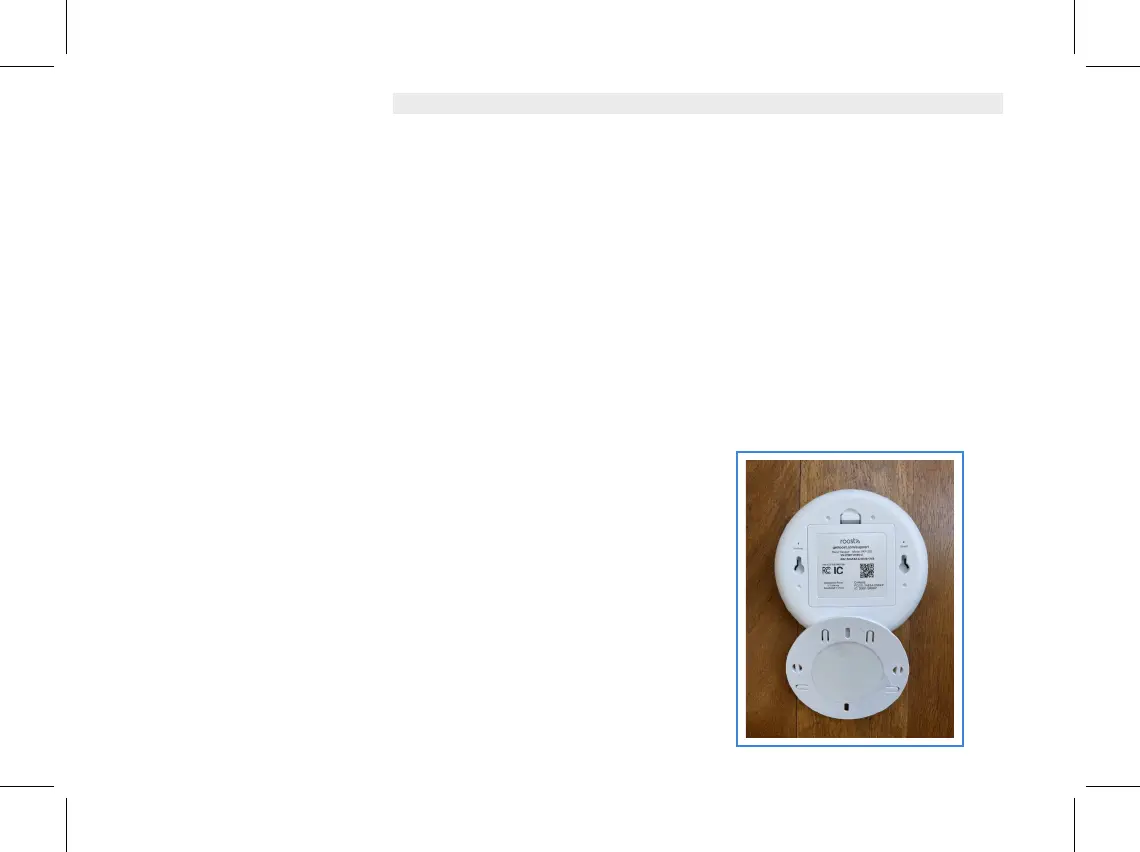
• Mount your Keypad on the wall or simply place on a
convenient surface near your most commonly utilized door
that you use for entry and exit to your home.
• If mounted, first position the included mounting plate that
attaches by the adhesive tape or the two screws included in
your kit. Then slip the keypad over the plate and snap down
until secure.


 To Next Page
 Loading...