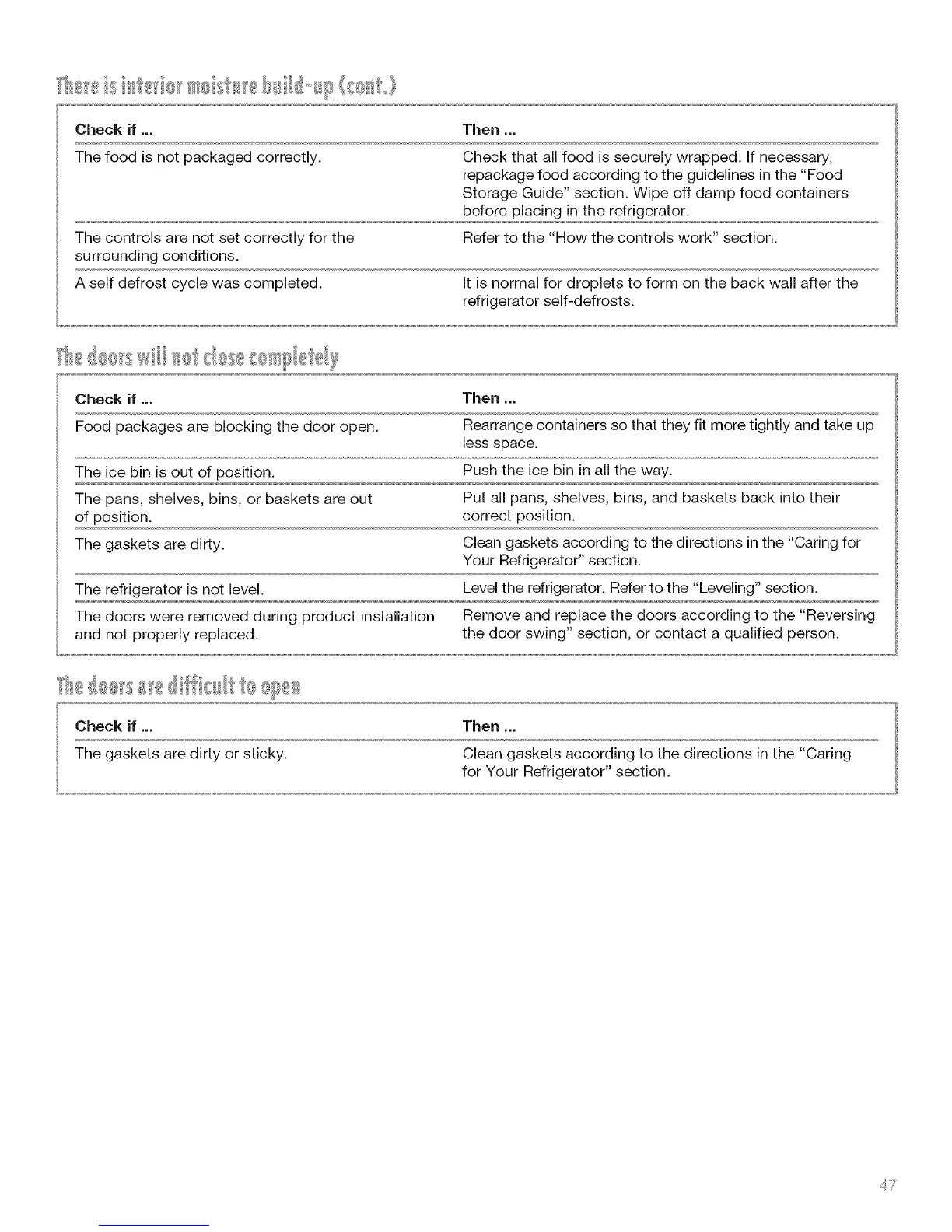
Checkif ... Then ...
The food is not packaged correctly. Check that all food is securely wrapped. If necessary,
repackage food according to the guidelines in the "Food
Storage Guide" section. Wipe off damp food containers
before placing in the refrigerator.
The controls are not set correctly for the Refer to the "How the controls work" section.
surrounding conditions.
A self defrost cycle was completed. It is normal for droplets to form on the back wall after the
refrigerator self-defrosts.
Check if ,,, Then ,,,
Food packages are blocking the door open. Rearrange containers so that they fit more tightly and take up
less space.
The ice bin is out of position. Push the ice bin in all the way.
The pans, shelves, bins, or baskets are out Put all pans, shelves, bins, and baskets back into their
of position, correct position.
The gaskets are dirty. Clean gaskets according to the directions in the "Caring for
Your Refrigerator" section.
The refrigerator is not level. Level the refrigerator. Refer to the "Leveling" section.
The doors were removed during product installation Remove and replace the doors according to the "Reversing
and not properly replaced, the door swing" section, or contact a qualified person.
Check if ,,, Then ,,,
The gaskets are dirty or sticky. Clean gaskets according to the directions in the "Caring
for Your Refrigerator" section.
4 7



 To Next Page