12.Charging does not work
DC24V
charging
USB charging
port DC5V
Troubleshooting
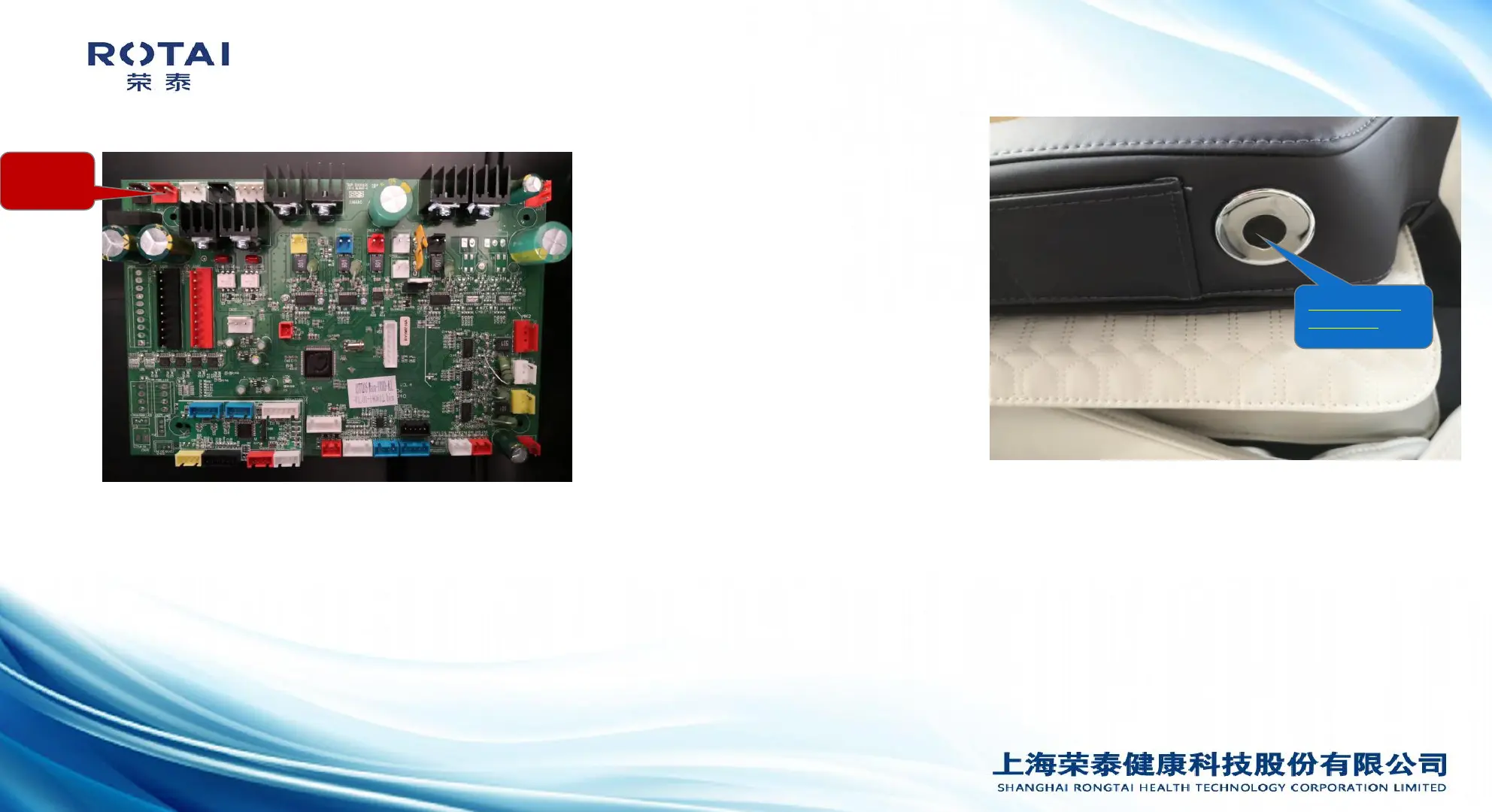
Picture 1
Picture 2
1.Charging board is damaged
2.Mainboard damaged
3.The wire harness which connects the
mainboard and the charging board is
damaged or unsecured
4.Charging holder is damaged
1.Check if the plug is loose,the pin of the plug fell off,or the
connection wire is damaged.
2.Use a multimeter to test the DC24V voltage input of charging board,if
there is no such input voltage,the mainboard orthe wires connecting the
mainboard and the charging board is damaged,can be tested by a
multimeter to confirm.(picture 2 grey color )
3.If the DC24V voltage is normal,use the multimeter to test DC9V
output,picture 1 red color, if there is no such output voltage,the
charging board is damaged and need to replaced.


 To Next Page
 Loading...