EasyManua.ls Logo

Rotel RD 960BX - Advanced Operation and Recording; HX PRO and Bias Adjust Interaction; BIAS ADJUST Control; Remote Control Functions

Rotel RD 960BX
8 pages
Print Icon
To Next Page IconTo Next Page
To Previous Page IconTo Previous Page
Loading...
High
level
high
frequency
sounds
tend
to
be
additive
to
the
high
frequency
bias
signal
that
makes
the
recording
process
possible.
This
results
in
overbiasing
the
tape,
which
leads
to
a
dull
sounding
recording
with
poor
high
frequency
response.
The
HX
PRO
circuit
will
"see"
the
high
level
high
frequency
sounds
and
dynamically
reduce
the
recording
bias
momentarily
to
minimize
the
possibility
of
saturating
the
tape.
The
result
is
a
correctly
biased
tape
with
improved
headroom
at
high
frequencies
and
better
sounding
recordings
of
your
favorite
music.
This
works
in
conjunction
with
the
BIAS
ADJUST
control.
The
BIAS
ADJUST
control
makes
it
possible
to
optimize
the
RECORD
BIAS
level
for
various
high
performance
brands
of
tape.
We
suggest
making
a
recording
from
your
tuner
of
the
FM
hiss
sound
between
stations.
(Defeat
the
Mute
circuit
on
the
tuner
to
do
this.)
Set
the
REC
LEVEL
so
that
the
meter
reads
-15
or
-20
dB
and
make
a
recording
of
the
hiss.
Compare
the
sound
of
the
tape
recording
to
the
sound
from
the
tuner
(not
for
volume
level)
for
similarity
of
the
high
frequency
sound.
Rotate
the
BIAS
ADJUST
control
for
the
best
sonic
match
by
repeating
the
recording
and
listening
process.
If
you
have
a
test
CD,
we
suggest
this
be
done
with
an
8
kHz
tone
at
-20
dB.
This
adjustment
should
be
done
with
the
DOLBY
NR
turned
OFF.
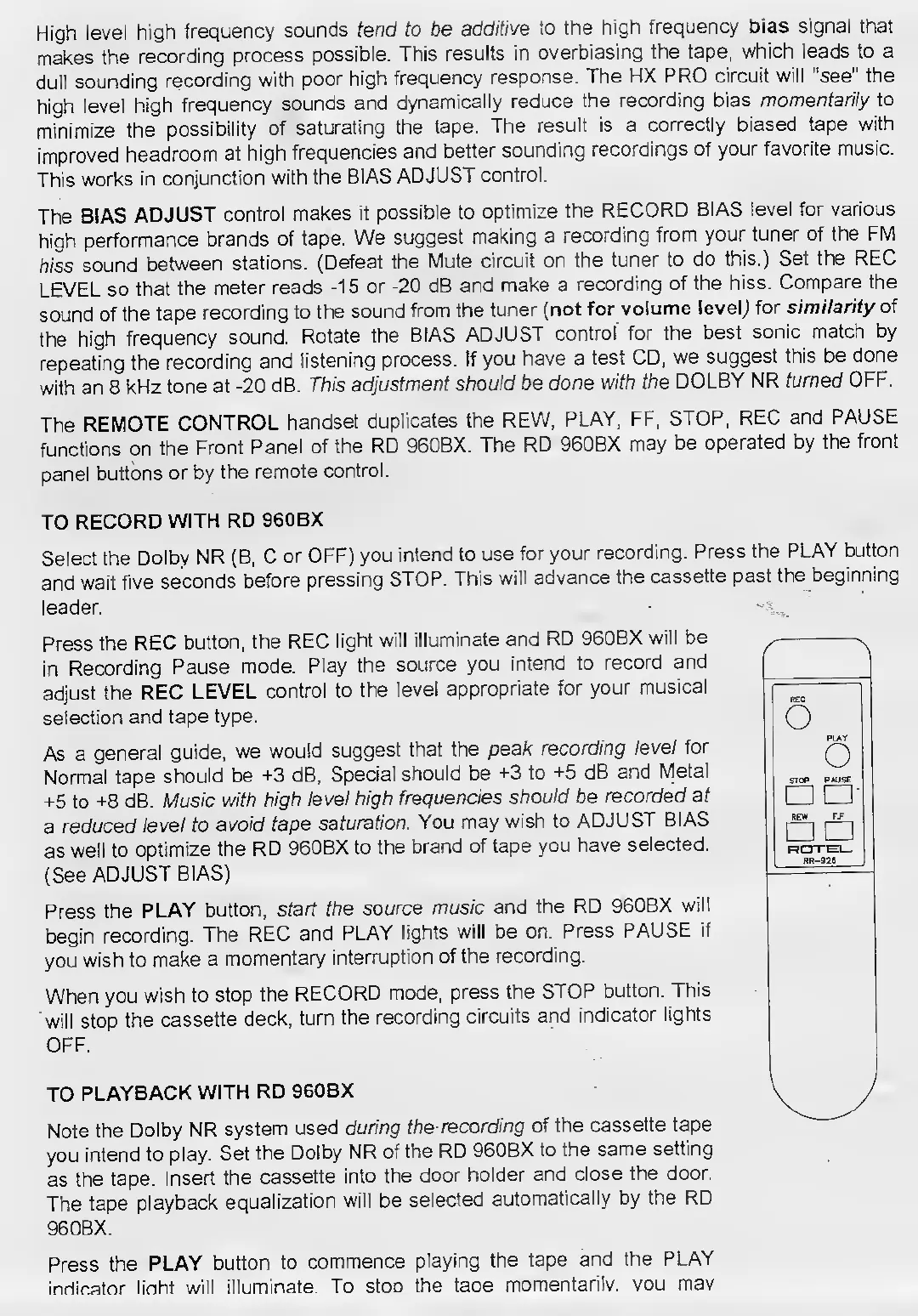
The
REMOTE
CONTROL
handset
duplicates
the
REW,
PLAY,
FF,
STOP,
REC
and
PAUSE
functions
on
the
Front
Panel
of
the
RD
960BX.
The
RD
960BX
may
be
operated
by
the
front
panel
buttons
or
by
the
remote
control.
TO
RECORD
WITH
RD
960BX
Select
the
Dolby
NR
(B,
C
or
OFF)
you
intend
to
use
for
your
recording.
Press
the
PLAY
button
and
wait
five
seconds
before
pressing
STOP.
This
will
advance
the
cassette
past
the
beginning
leader.
Press
the
REC
button,
the
REC
light
will
illuminate
and
RD
960BX
will
be
in
Recording
Pause
mode.
Play
the
source
you
intend
to
record
and
adjust
the
REC
LEVEL
control
to
the
level
appropriate
for
your
musical
selection
and
tape
type.
As
a
general
guide,
we
would
suggest
that
the
peak
recording
level
for
Normal
tape
should
be
+3
dB,
Special
should
be
+3
to
+5
dB
and
Metal
+5
to
+8
dB.
Music
with
high
level
high
frequencies
should
be
recorded
at
a
reduced
level
to
avoid
tape
saturation.
You
may
wish
to
ADJUST
BIAS
as
well
to
optimize
the
RD
960BX
to
the
brand
of
tape
you
have
selected.
(See
ADJUST
BIAS)
Press
the
PLAY
button,
start
the
source
music
and
the
RD
960BX
will
begin
recording.
The
REC
and
PLAY
lights
will
be
on.
Press
PAUSE
if
you
wish
to
make
a
momentary
interruption
of
the
recording.
When
you
wish
to
stop
the
RECORD
mode,
press
the
STOP
button.
This
will
stop
the
cassette
deck,
turn
the
recording
circuits
and
indicator
lights
OFF.
TO
PLAYBACK
WITH
RD
960BX
Note
the
Dolby
NR
system
used
during
the-recording
of
the
cassette
tape
you
intend
to
play.
Set
the
Dolby
NR
of
the
RD
960BX
to
the
same
setting
as
the
tape.
Insert
the
cassette
into
the
door
holder
and
close
the
door.
The
tape
playback
equalization
will
be
selected
automatically
by
the
RD
960BX.
Press
the
PLAY
button
to
commence
playing
the
tape
and
the
PLAY
indicator
linht
will
illuminate
To
stoD
the
taoe
momentarily,
vou
mav