3
ENGLISH
Play/pause
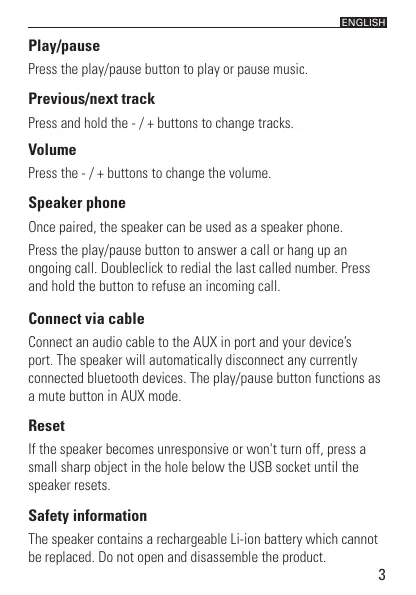
Press the play/pause button to play or pause music.
Previous/next track
Press and hold the - / + buttons to change tracks.
Volume
Press the - / + buttons to change the volume.
Speaker phone
Once paired, the speaker can be used as a speaker phone.
Press the play/pause button to answer a call or hang up an
ongoing call. Doubleclick to redial the last called number. Press
and hold the button to refuse an incoming call.
Connect via cable
Connect an audio cable to the AUX in port and your device’s
port. The speaker will automatically disconnect any currently
connected bluetooth devices. The play/pause button functions as
a mute button in AUX mode.
Reset
If the speaker becomes unresponsive or won't turn off, press a
small sharp object in the hole below the USB socket until the
speaker resets.
Safety information
The speaker contains a rechargeable Li-ion battery which cannot
be replaced. Do not open and disassemble the product.


 To Next Page