EasyManua.ls Logo

Roxy TS401 - Page 8

Default Icon
13 pages
Print Icon
To Next Page IconTo Next Page
To Previous Page IconTo Previous Page
Loading...
3 Alex
a
3.1 Fir
s
WIFI Con
n
Insert the D
C
after the sys
t
For the first
t
1. On the
2. Click a
n
3. Click
W
4. After o
equip
m
5. Select
t
passw
o
6. Click t
h
a
Voic
e
s
t boot s
e
n
ection
C
power ada
p
t
em is turne
d
t
ime to use
A
homepage i
n
n
d select the
W
i-Fi and op
e
peningWi-Fi
m
ent in the wi
n
t
he Wi-Fi ne
t
o
rd input win
d
h
e Connecti
o
e
Serv
i
e
ttings
p
ter, the spe
a
d
on, select
A
lexa, we nee
n
terface, clic
k
System Sett
i
e
n wi-fi swit
c
, the searche
d
n
dows on th
e
t
work requir
e
d
ows and inp
o
n
6
i
ce
a
ker will aut
o
ALWAYS
A
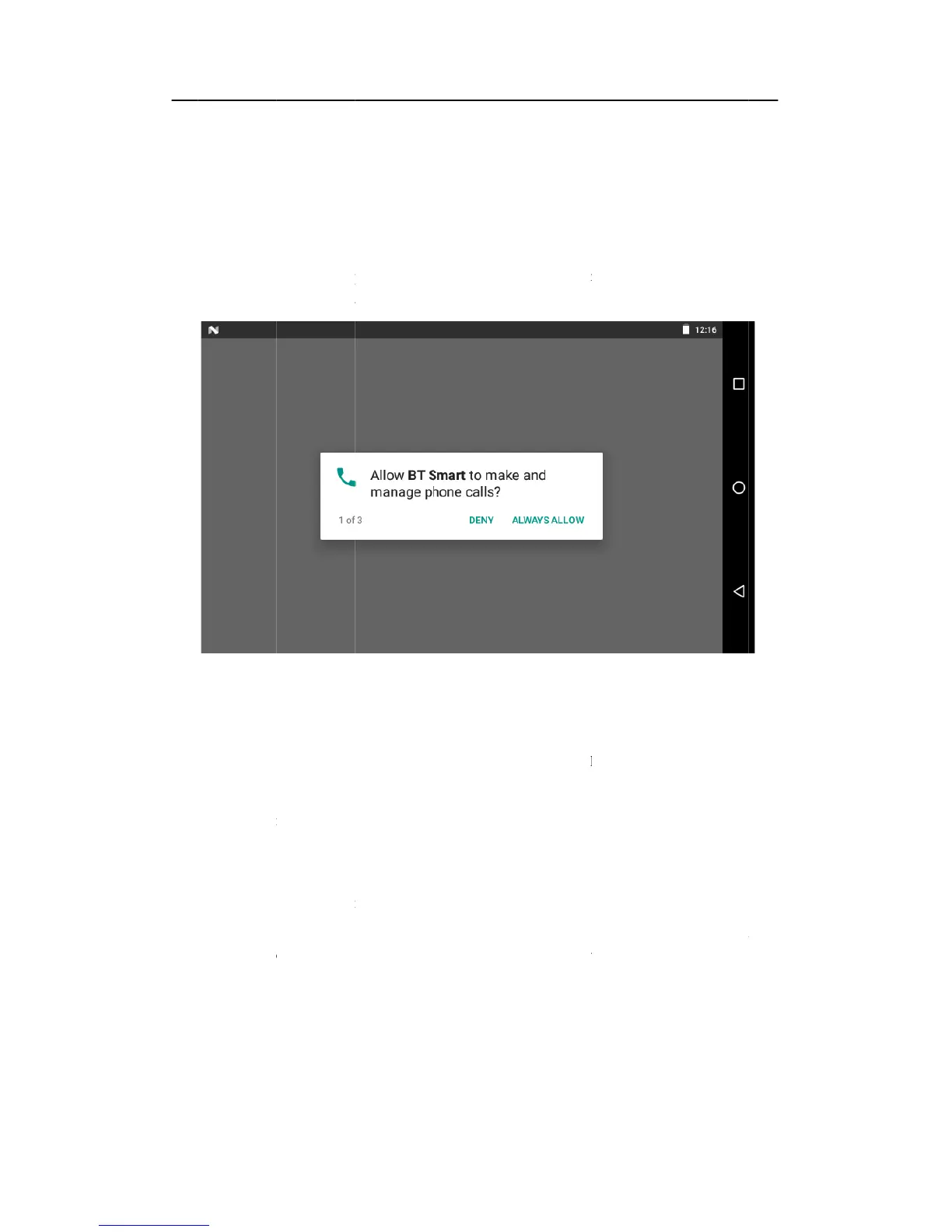
Figure 3-1
d to connect
k
and select t
h
i
ng;
c
h;
d
Wi-Fi net
w
e
right.
e
d to be con
n
ut the corres
p
o
matically tu
r
A
LLOW
a
WiFi networ
k
h
e meun key
w
ork can be s
n
ected, if the
p
onding pass
w
r
n on, enter
t
a
ccording to
t
k
first.
and pop up t
h
canned auto
m
password is
a
w
ord.
t
he main int
e
t
he instructi
o
h
e meun sett
i
m
atically fro
m
a
dded, pop
u
e
rface
o
ns.
i
ng;
m
the
u
p the