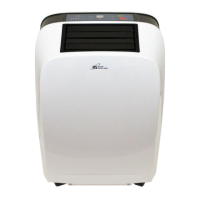
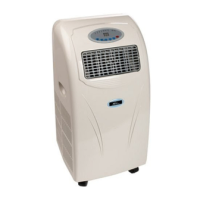
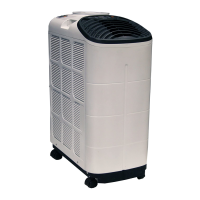
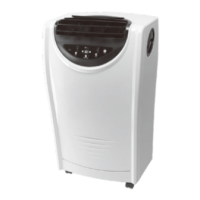
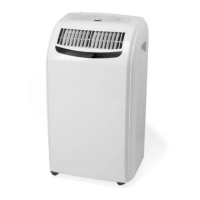
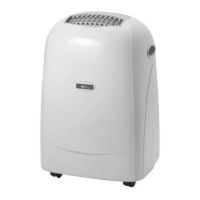
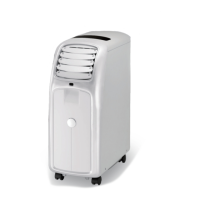
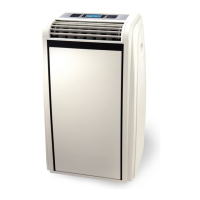
ARP-9409 / 9411
9
Control Panel Operation
Automatic, Cool, Dehumidify, Fan Only Mode Operation
1. Turn the unit on
2. Select operating mode
Press the
3. Adjust temperature
The temperature can be set within a range of 59°F to 87°F by 1 °F intervals.
Press
, to increase or decrease the temperature. The LED display will flash the desired temperature for 5 seconds then display the current room temperature.
4. Adjust fan speed
Press the
button to select desired fan speed.
5. Power down
Press the power button again to turn the unit off.
Mode Descriptions
Automatic mode
When is selected the unit will automatically select the operation mode with or .
When room temperature is greater than 75 °F the unit will automatically select
mode.
When room temperature is less than 75 °F the unit will automatically select mode.


 To Next Page
 Loading...