EasyManua.ls Logo

Ruggie 610 - Detailed Instructions; How to Set the Time; How to Set the Alarm; How to Select Alarm Sounds

Ruggie 610
10 pages
Print Icon
To Next Page IconTo Next Page
To Previous Page IconTo Previous Page
Loading...
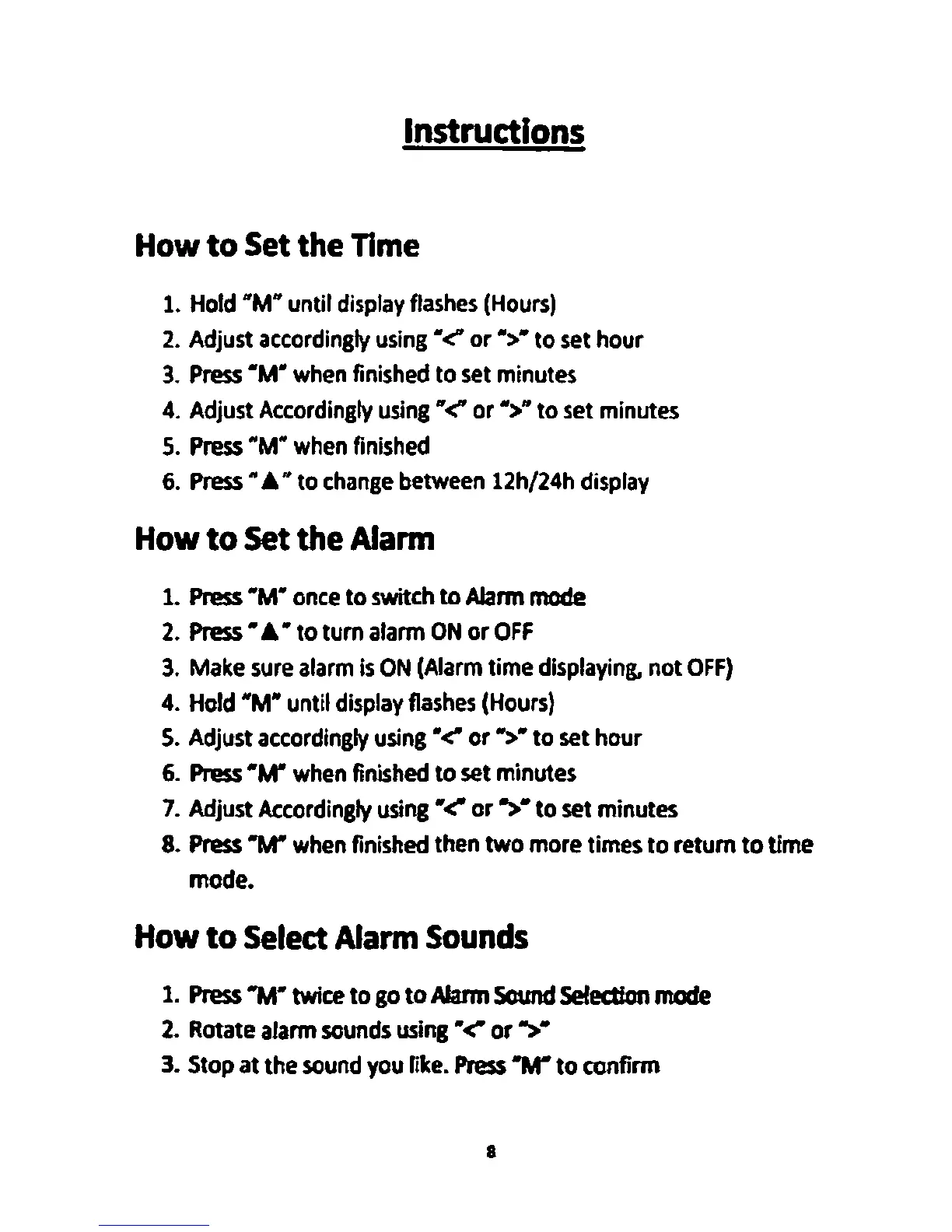
Instructions
How
to
Set
the
Time
1.
Hold
"M"
until
display
flashes
(Hours)
2.
Adjust
accordingly
using"<'
or">"
to
set
hour
3.
Press
"M"
when
finished
to
set
minutes
4.
Adjust
Accordingly
using"<'
or">"
to
set
minutes
5.
Press
"M"
when
finished
6.
Press
•A•
to
change
between
12h/24h
display
How
to
Set
the
Alarm
1.
Press
"M"
once
to switch
to
Alarm
mode
2.
Press
•A•
to tum
alarm
ON
or
OFF
3.
Make
sure
alarm
Is
ON
(Alarm
time
displaying.
not
OFF)
4.
Hold
"M" until
display
flashes
(Hours}
5.
Adjust
accordingly
using"<'
or">"
to
set
hour
6.
Press
"M"
when
finished
to
set
minutes
7.
Adjust
Accordingly
using"<'
or">"
to set minutes
8.
Press
"M"
when
finished
then two more times to return
to
time
mode.
How
to
Select
Alarm
Sounds
1.
Press
"M" twice to
go
to
Alarm
Sound
Selection
mode
2.
Rotate
alarm
sounds
using"<'
or">"
3.
Stop
at the
sound
you
like.
Press
"M"
to confirm
a