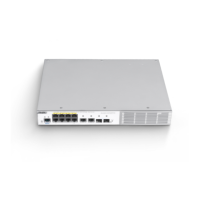
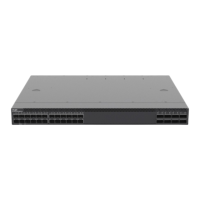
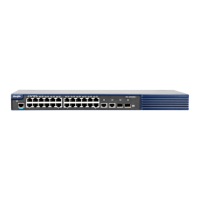
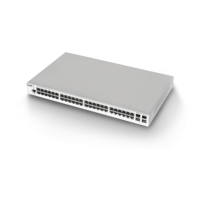
Ruijie RG-NBS3200 Series Switches Hardware Installation and Reference Guide Product Installation
29
Check whether the requirements of temperature and humidity are met for the switch.
Check whether power cables are already laid out and whether the requirements of electrical current are met.
Check whether related network adaption lines are already laid out.
3.3 Installing the RG-NBS3200
Precautions
During installation, note the following points:
Connect the power cables of different colors to the corresponding grounding posts.
Ensure that the interface of the power supply cable is properly connected to the power interface of the device. The
power cables must be protected using power cable retention clips after they are connected to the device.
Do not place any articles on the RG-NBS3200 series switch.
Reserve a spacing of at least 10 cm around the chassis for good ventilation. Do not stack the devices.
The switch should be located at places free from the large power radio launch pad, radar launch pad, and
high-frequency large-current devices. If necessary, use electromagnetic shielding. For example, use interface cables
to shield cables.
100-meter network cables should be laid inside the equipment room and outdoor cabling of such cables is prohibited.
If outdoor cabling is necessary, take relevant measures for lightning protection.
3.3.1 Mounting the Switch to a Standard 19-inch Rack
The RG-NBS3200 series switches follow the EIA standard dimensions and can be installed in the 19-inch rack.
Step 1: Attach the mounting brackets to the switch with the supplied screws, as shown in Figure 3-1.
Figure 3-1 Attaching the Mounting Bracket to the Switch
Step 2: Use the supplied M6 screws and cage nuts to securely attach the mounting brackets to the rack, as shown in
Figure 3-2 and Figure 3-3.
Figure 3-2 Attaching the Brackets to the Rack



 To Next Page
 Loading...