STEP 3
• Set your phone aside for a minute and
switch to the robot.
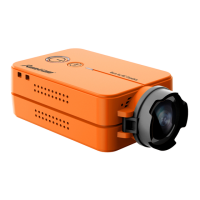
• Be sure the SD card is inserted in the
camera and turn the robot on.
• Once the camera begins auto recording
(indicated by LED 1 blinking blue), stop the
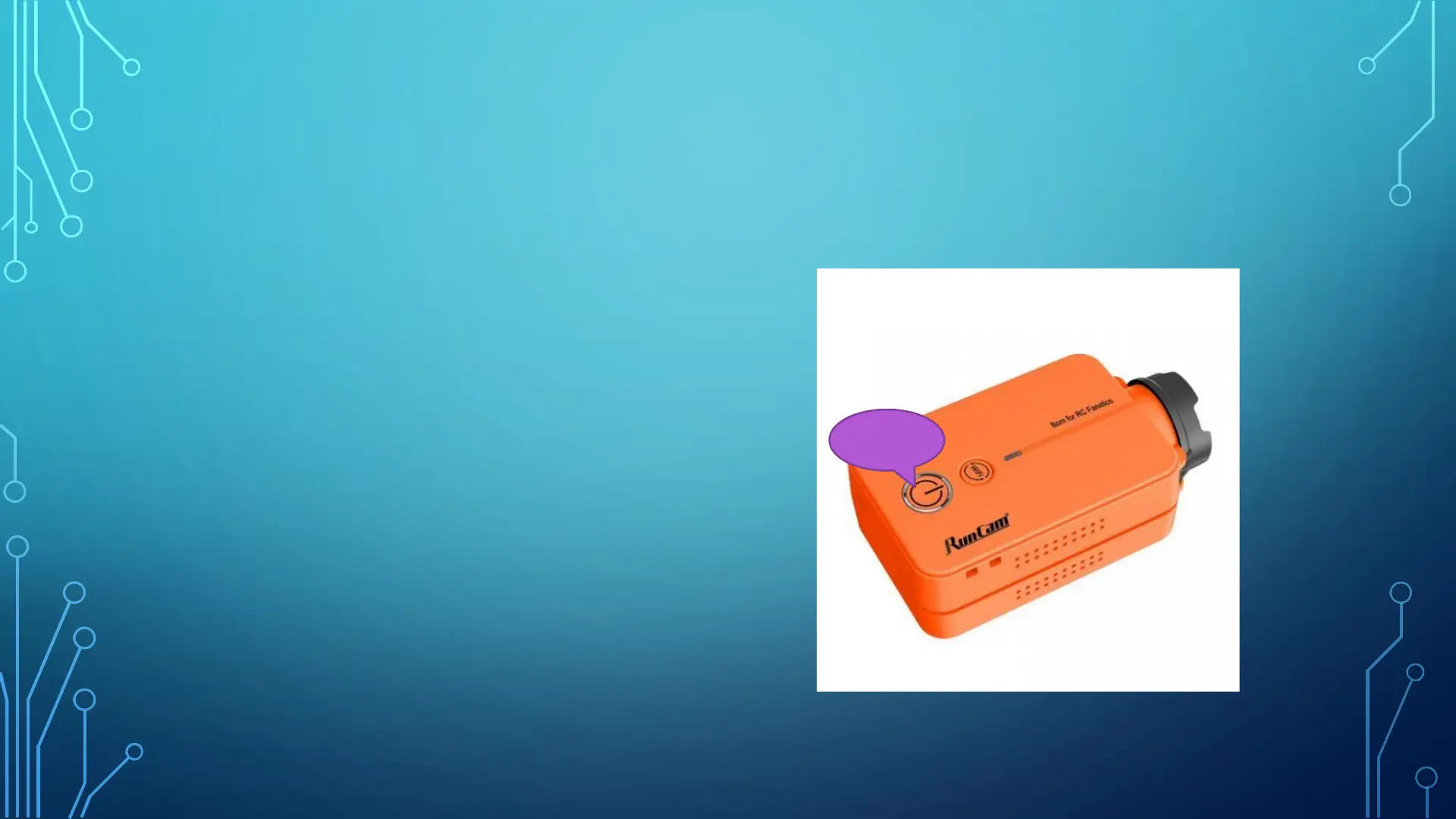
recording by tapping the power button. The
LED should turn solid blue. If it does not stop
the first time you press the button, wait 5
seconds and press it again.
Power
Button


 To Next Page