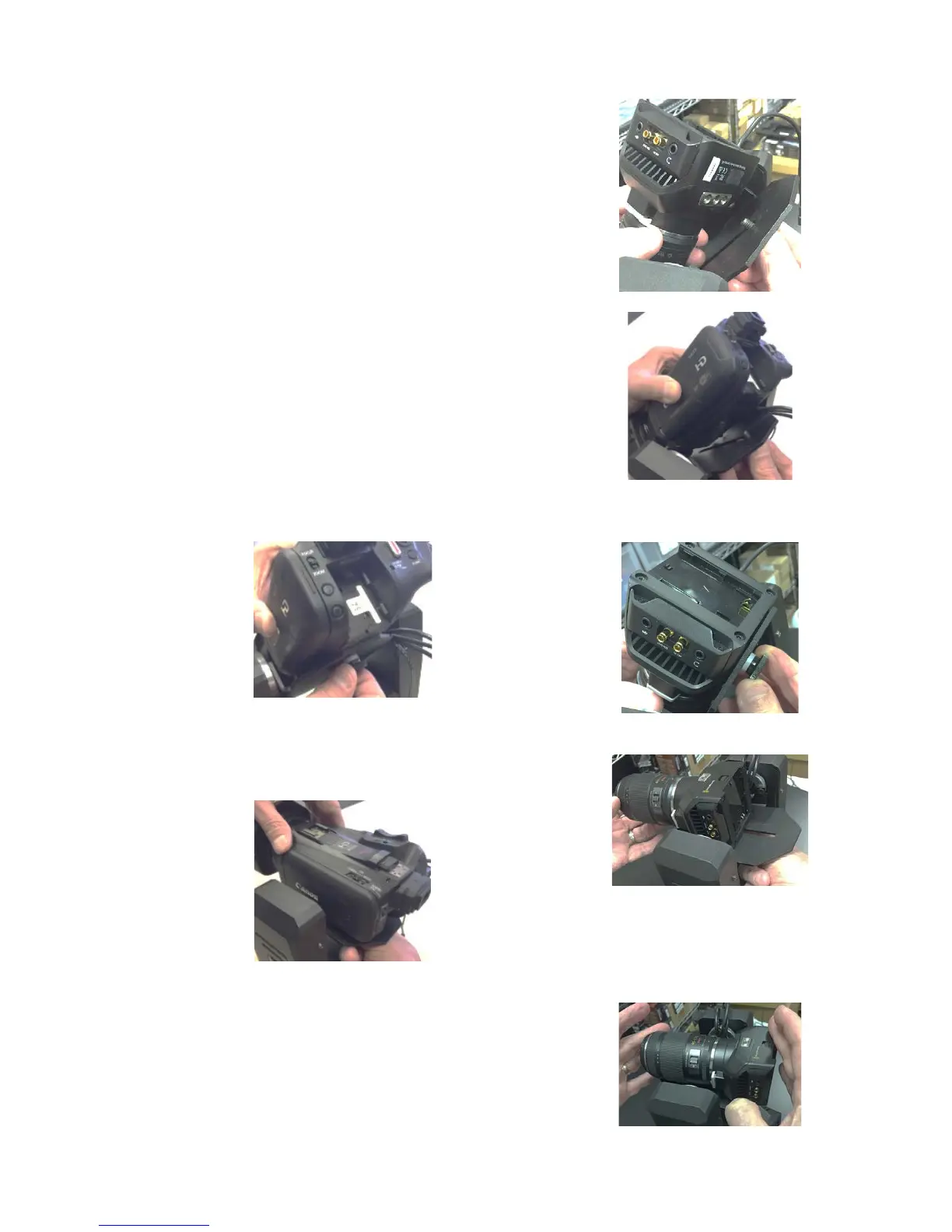
With the PTX powered OFF, tilt the plate forward and
place the thumbscrew into the long adjustment slot on the
tilt plate.
Note: the FRONT of the PTX has the PTX logo sticker on
the yoke. The REAR does not have the sticker.
Tighten the thumbscrew to secure the camera, but only
tight enough that the camera can slide forward and
backward along the slot.
Move the tilt plate to the horizontal position, and slide the
camera forward and back while gently tilting the plate in
both directions. You want to find the best center of gravity
for the camera and lens … then tighten the thumbscrew,
applying as much pressure with your fingers as possible to
assure a solid and secure mount.



 To Next Page