Trouble Shooting
(Unable to connect)
Step 1:
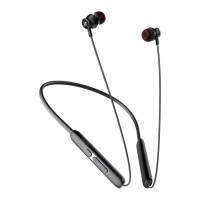
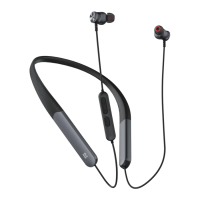
Press andhold" O " for3 secondstoturnon RY-WHOIuntiltheindicator
light flashing red and white alternately into pairing mode.
step 2:
Turn on the Bluetooth of your device and choose <RY-WHOI> to connect.
Step 3:
The white light of RY-WHOI flash once when paired.
(Reset)
Step 1:
Press andhold" O " for3 secondstoturnon RY-WHOIuntiltheindicator
light flashing red and white alternately into pairing mode.
Step 2:
Press and hold " + " and "
" buttons at the same time for 5 seconds to
clear the pairing history and try conncect again.
Warranty&Service
This product is covered with Rythflo product and labor warranty for 12 months
from the date of its original purchase.
Any concerns please email us as soon as possible, Rythflo will help you
within 24 hours.
support@rythflo.co


 To Previous Page
 Loading...