Need help?
Do you have a question about the S.M.S.L DO100 PRO and is the answer not in the manual?
Guidelines for safe installation, voltage usage, device modification, and long-term storage.
Notes on product specifications and manual updates.
Details on 7-day return, 1-year free repair, and conditions.
Lists warranty voiding conditions, proof requirements, and repair methods.
Details MQA, ESS DAC, Bluetooth, XMOS, and premium audio components.
Lists input/output, THD+N, SNR, dynamic range, impedance, and sampling rates.
Instructions for battery management, replacement, and long-term storage.
Explains button operations for power, navigation, input selection, and volume.
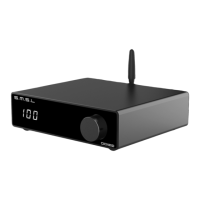
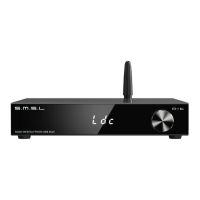
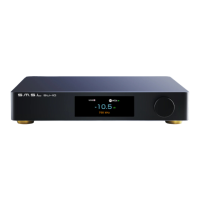
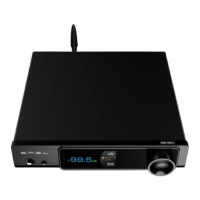
Identifies front panel display, controls, and rear panel ports and connections.
Covers USB, Bluetooth, Optical, Coaxial, HDMI inputs.
Explains DPLL clock jitter control and USB 2.0/1.1 modes.
Describes various PCM filter types (FL1-FL7) with frequency response graphs.
Instructions for adjusting screen brightness and initiating Bluetooth pairing.
Lists all items included in the product packaging.
Details MQA technology, playback requirements, and MQA-CD verification steps.
Guides on connecting to ARC-compatible TVs via HDMI, including port, cable, and alternative audio setup.
 General
| Brand | S.M.S.L |
|---|---|
| Model | DO100 PRO |
| Category | Media Converter |
| Language | English |


 To Next Page